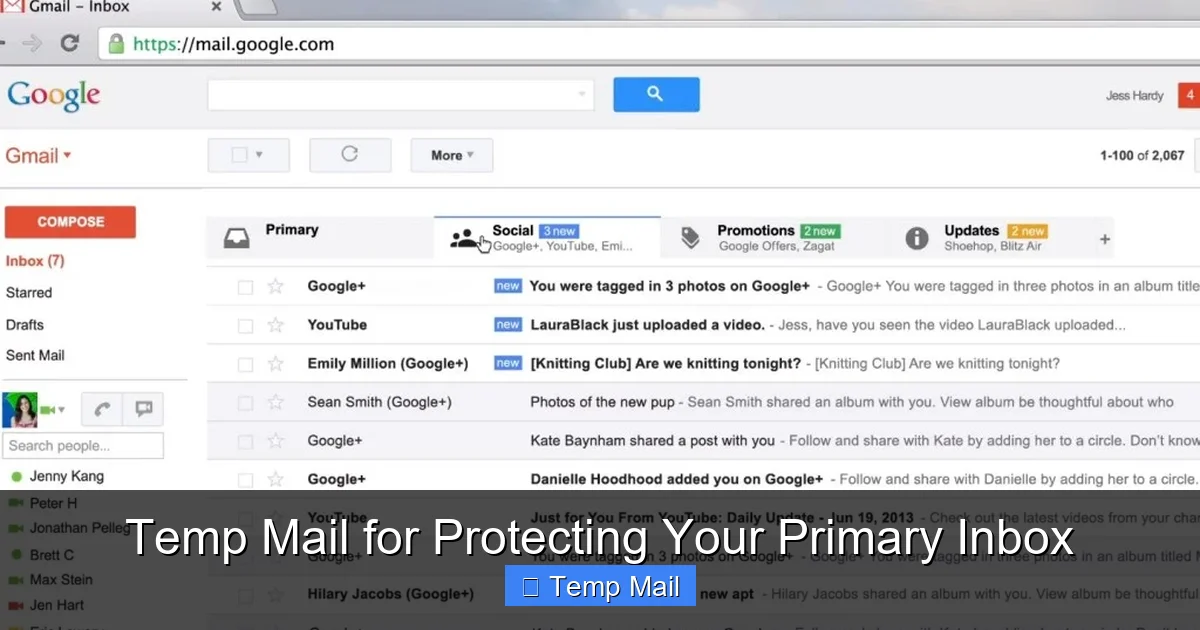
Temp mail is your secret weapon against inbox clutter and privacy invasion. It provides a temporary, disposable email address you can use for any online sign-up, download, or sketchy website, keeping your real email safe from spam, data breaches, and unwanted marketing. By acting as a privacy shield, it ensures your primary inbox remains clean, secure, and solely for important personal and professional communications.
Think about your primary email address for a second. It’s probably the digital key to your life. It connects you to your bank, your work, your family, and your most important subscriptions. It’s a permanent fixture. Now, think about the last time you wanted to download a free PDF, enter an online raffle, or sign up for a website just to browse. Did you hesitate, cringing at the thought of adding yet another sender to your inbox? That gut feeling is your #1 reason to start using temp mail.
Temp mail, short for temporary mail, is a service that provides you with a random, disposable email address for a short period. It’s not meant for long-term communication. Instead, it’s a privacy tool, a shield, a sacrificial lamb you lead to the altar of internet sign-up forms. Its sole purpose is to receive the confirmation email or the download link, and then vanish into the digital ether, taking all future spam with it. Protecting your primary inbox isn’t just about tidiness; it’s a critical step in safeguarding your privacy, security, and peace of mind in an age of relentless data harvesting.
Key Takeaways
- Primary Inbox Protection: Temp mail creates a barrier between your real identity and the chaotic, often predatory, world of online forms and downloads.
- Spam & Marketing Elimination: Any spam sent to your disposable address is automatically isolated and deleted, never reaching your main inbox.
- Enhanced Privacy & Security: It minimizes your digital footprint by preventing companies from collecting and selling your primary email address.
- No Long-Term Commitment: These addresses are designed to self-destruct after a short period or a limited number of uses, leaving no trace.
- Simple & Instant: Generating a new temp email address takes seconds and requires no personal information or account creation.
- Use Case Specific: It’s the perfect tool for one-time actions like accessing gated content, forum sign-ups, or software trials.
- Not for Critical Accounts: Never use temp mail for banking, main social media, or any account where password recovery is essential.
📑 Table of Contents
- What Exactly is Temp Mail and How Does It Work?
- The Core Benefits: Why Your Primary Inbox Needs a Bodyguard
- Perfect Use Cases: When to Break Out the Disposable Email
- Choosing the Right Temp Mail Service: Features to Look For
- Critical Best Practices and Major Limitations
- The Future of Privacy: Temp Mail in a Tracking World
- Conclusion: Embrace the Disposable for the Sake of the Essential
What Exactly is Temp Mail and How Does It Work?
At its core, a temp mail service is a simple concept executed brilliantly. Unlike your Gmail or Outlook account, which is tied to your identity and persists until you delete it, a temporary inbox is anonymous and ephemeral.
The Mechanics of a Disposable Inbox
When you visit a temp mail website, the system instantly generates a unique email address for you, something like [email protected]. This address is active immediately. You can copy it and paste it into any website’s sign-up field. The temp mail service’s servers then start listening for any incoming mail addressed to that specific, random inbox.
When a website sends a confirmation email or a download link, it arrives at the temp mail service’s server. You visit the service’s website, and your inbox (with its random address) is displayed. You click the email, get your link or code, and complete your task. That’s it. After a set time—often 10 minutes to 1 hour—or sometimes after you close your browser session, that email address and all its received messages are permanently deleted from the server. No trace is left behind.
No Login, No Password, No Trace
The beauty of most temp mail systems is the complete lack of setup. You don’t create an account. You don’t set a password. You don’t provide a recovery phone number. The service doesn’t ask for, and therefore cannot store, any of your personal information. The inbox is tied only to the randomly generated address and exists purely in your current browser session. Close the tab, and the connection is severed. This anonymity is its superpower.
The Core Benefits: Why Your Primary Inbox Needs a Bodyguard
Using a temp mail address isn’t a paranoid move; it’s a smart, practical strategy. The benefits cascade from that single act of not using your real email.
Visual guide about Temp Mail for Protecting Your Primary Inbox
Image source: interestingfacts.org
1. Achieve Inbox Zero and Mental Clarity
How many newsletters did you accidentally sign up for? How many “exclusive offers” from a single download five years ago still haunt your promotions tab? Every unwanted email is a tiny cognitive load, a notification that pulls you away from focus. Temp mail acts as a filter at the source. By never giving your primary address to low-value or one-time services, you prevent that clutter from ever being created. Your important emails—from your boss, your family, your real subscriptions—stand out clearly. The result is a cleaner inbox and a clearer mind.
2. Slash the Risk of Phishing and Data Breaches
Data breaches are a weekly news headline. Company A gets hacked, and 50 million email addresses are leaked to the dark web. If your email is in that database, you become a target for sophisticated phishing campaigns. Attackers use that known email address to send convincing “security alerts” or “account verification” emails, hoping you’ll click a malicious link. By using a temp mail for sketchy or non-essential sites, you ensure that email address is the one that gets leaked, not your permanent one. The spam and phishing attempts go to an inbox that self-destructs, leaving your real account safe.
3. Regain Control of Your Digital Footprint
Every time you enter your email on a website, you’re giving that company permission to market to you, and often, to sell your data to other advertisers. This is the hidden cost of “free” services. Temp mail lets you opt-out of this economy by proxy. You can access the content or tool you need without contributing your valuable, identifiable email address to their database. It’s a small but powerful act of data sovereignty in a world that wants to track you.
Perfect Use Cases: When to Break Out the Disposable Email
Knowing *how* to use temp mail is as important as knowing *why*. Here are the prime scenarios where a disposable address is not just helpful, but essential.
Visual guide about Temp Mail for Protecting Your Primary Inbox
Image source: i.ytimg.com
Gated Content & Lead Magnets
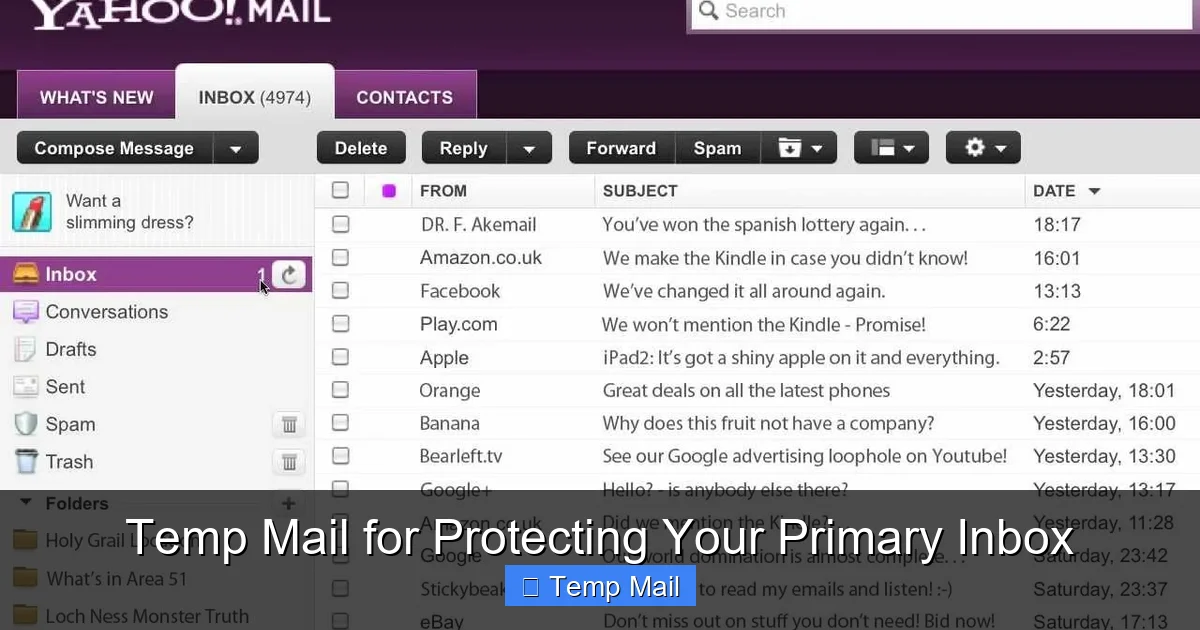
You see a blog post promising a “free ebook” or “ultimate checklist” but it requires an email to download. Ask yourself: “Do I want this company in my inbox forever?” If the answer is no, use temp mail. You get the resource instantly, and the company gets an email that will bounce in an hour. It’s a fair transaction for content you may only want once.
Online Forums and Community Sign-Ups
Want to ask a question on a niche forum or join a Discord server linked from a website? These platforms often have minimal moderation and can become spammy. Using a temp mail protects you from the inevitable forum digest emails and potential data leaks from a small community site.
Software Trials and “Free” Tools
That “7-day free trial” of expensive software doesn’t need your real email. The company’s primary goal is to convert you to a paying customer, and your email is their primary sales channel. Use a temp mail to test the software. When the trial ends and the sales emails start pouring into your disposable inbox, you simply ignore them. No unsubscribe needed.
One-Time Discounts and Coupon Sites
Sites that aggregate coupon codes often require an email to “unlock” the full list. This is a classic email capture tactic. The codes might be useful once, but the subsequent marketing emails are not. A temp mail address gets you the discount code without the long-term marketing commitment.
Downloading from File-Sharing or “Suspicious” Sites
If a download page is littered with aggressive ads and misleading “Download Now” buttons, it’s a red flag. These sites are notorious for selling email addresses to spammers. Never, under any circumstances, use your primary email here. A temp mail is a must. It contains the risk entirely within a disposable container.
Choosing the Right Temp Mail Service: Features to Look For
Not all temp mail services are created equal. While most function on the same basic principle, some offer features that improve usability and security.
Visual guide about Temp Mail for Protecting Your Primary Inbox
Image source: tmailor.com
Inbox Lifespan and Auto-Refresh
Check the advertised lifespan of the inbox. Is it 10 minutes? 1 hour? Some services let you extend the time with a click. An auto-refresh feature is crucial—it automatically checks for new emails so you don’t have to manually reload the page constantly while waiting for a confirmation.
Multiple Domain Options
Some services offer several domain names (e.g., @tempmail.com, @disposable.com). If a website blocks emails from a known temp mail domain, you can simply switch to another domain provided by the service to generate a new address.
No Captcha or Simple Access
The best services don’t bombard you with captchas just to view your inbox. You should be able to generate an address and access your emails in two clicks. If a service makes you solve multiple puzzles, it’s often more about ad revenue than user convenience.
Browser Extension Support
For power users, some temp mail providers offer browser extensions. These can auto-fill disposable email addresses on known form-heavy sites or generate a new address with a single click from your toolbar. This streamlines the process immensely.
Clear Privacy Policy
Even though the service is temporary, read their policy. Do they log IP addresses? Do they claim any rights to the emails? The most reputable services explicitly state they do not access, store, or share your email contents and delete everything automatically.
Critical Best Practices and Major Limitations
Temp mail is a powerful tool, but it’s not a universal replacement for your primary email. Using it incorrectly can cause real problems.
The Golden Rule: Never for Important Accounts
This is non-negotiable. Do not use a temp mail address for:
- Banking or Financial Services: You will be locked out permanently if you lose access to the disposable inbox.
- Primary Social Media Accounts: Password recovery will fail, and you’ll lose access to your profile and network.
- Cloud Storage or Main Software Accounts: (e.g., your main Apple ID, Google Account, Adobe Creative Cloud).
- Any Service You Need to Access Long-Term: If you’ll need to log in from a new device or recover a password, a temp address is a dead end.
Managing the “Inbox” While It’s Active
You have a very short window. Keep the temp mail browser tab open until you’ve received the necessary email. Some services offer a “keep alive” button. If you’re waiting for a confirmation that might take a few minutes, don’t close the tab. If you navigate away, you might lose the connection to that specific inbox.
Copying Information Securely
Once you get your confirmation code or download link, copy it immediately to a text editor or password manager. Then, close the temp mail tab. This prevents any accidental clicks on malicious links that might appear in later spam emails that arrive in the same disposable inbox.
The Future of Privacy: Temp Mail in a Tracking World
As online surveillance and data collection become more sophisticated, tools like temp mail shift from convenience to necessity. Regulations like GDPR and CCPA give users more rights, but enforcement is spotty. The most effective privacy protection is to not give away your data in the first place. A disposable email is the first line of that defense.
We are moving towards a future where your email address is a primary key to your digital identity. Protecting it with a temp mail for all non-essential interactions is a simple, zero-cost habit that compounds your privacy and security every single day. It’s about drawing a clear line between your essential digital self and your transient online interactions.
Conclusion: Embrace the Disposable for the Sake of the Essential
Your primary email address is too valuable to treat casually. It is the anchor to your most critical digital assets. Every time you use it for a trivial sign-up, you chip away at its security and your inbox’s sanity. Temp mail provides an elegant, effortless solution. It’s a practice in digital minimalism and proactive defense. By adopting the habit of using a disposable email for anything that isn’t fundamentally “you,” you take back control. You stop the spam at the source. You reduce your attack surface. And you keep your primary inbox a clean, trusted space for what truly matters. Start using a temp mail service today. It’s one of the easiest and most effective privacy upgrades you can make.
Frequently Asked Questions
Is using temp mail legal and safe?
Yes, using temp mail is completely legal and a standard privacy practice. It is safe as long as you use a reputable service that doesn’t log your data and you follow the critical rule of never using it for important, long-term accounts.
How long does a temp email address last?
It varies by service, but most temp mail inboxes last between 10 minutes and 1 hour after receiving an email. Some may persist for 24 hours if active. The address and all its emails are permanently deleted after this timeframe.
Can I send emails from a temp mail address?
Generally, no. Temp mail services are designed almost exclusively for receiving emails (like confirmation links). They typically do not have an SMTP server for sending outgoing mail, as that functionality would increase abuse and complicate their temporary nature.
What’s the difference between temp mail and a disposable email alias?
They are very similar. A “disposable email alias” often refers to a feature from services like SimpleLogin or Firefox Relay, which forwards mail from a unique alias to your real inbox. Temp mail creates a standalone, separate inbox that you check directly on their site, with no forwarding to your primary account.
What happens if I need to recover a password for a site I signed up with temp mail?
You won’t be able to. Since the temp mail address and its inbox are permanently deleted, any password reset emails sent to that address will be lost forever. This is precisely why you must never use temp mail for any account where you need ongoing access or recovery options.
Do temp mail services work on mobile phones?
Yes. Most temp mail services are websites that work perfectly in any mobile browser. Some popular services also offer dedicated apps on the App Store and Google Play for even quicker access and generation of disposable addresses on the go.
Leave a Reply