Your main email address is a magnet for spam, data breaches, and unwanted tracking. Temp mail services provide a disposable, anonymous email address you can use for sign-ups, downloads, and any online activity where you don’t want to expose your real contact info. By acting as a protective buffer, these services keep your primary inbox clean, secure, and under your control, dramatically reducing phishing risks and digital clutter.
Imagine your primary email inbox as your home. You wouldn’t give your front door key to every random person you meet on the street, every store clerk, or every website that asks for it. Yet, that’s exactly what we do every day online. We hand over our most valuable digital key—our email address—to countless websites, apps, and services, often for a simple download or a one-time trial. The result? An inbox flooded with promotions, phishing attempts, and newsletters we never wanted. This is where temporary email services, or temp mail, become your digital bouncer, your privacy shield, and your inbox’s best friend.
But how does this simple concept actually work to protect your inbox? It’s more than just a random string of characters. It’s a deliberate strategy to reclaim control over your digital footprint. In this guide, we’ll break down the mechanics, the real-world benefits, and the smart ways to use temp mail to transform your online experience from a spam-ridden nightmare into a streamlined, secure sanctuary.
Key Takeaways
- Temp mail creates a protective shield: It provides a temporary, disposable email address that you use instead of your primary, permanent email, keeping the latter completely private.
- It stops spam at the source: By using a temp address for forums, downloads, or one-off services, any resulting spam goes to the disposable inbox, which you simply delete, leaving your main inbox pristine.
- It mitigates data breach damage: If a website using your temp address suffers a breach, hackers only get access to that temporary, now-invalid address, not your real identity.
- It enhances privacy and anonymity: No personal information is required to generate most temp emails, allowing you to browse and sign up without linking activities to your true identity.
- It simplifies account management: For services you try once or rarely use, a temp email means no long-term password to remember and no account to eventually delete manually.
- Awareness of limitations is key: Temp mail is not for critical accounts (banking, primary social media) as the inbox is temporary and emails are not encrypted for sensitive data.
- Use it as a strategic tool, not a catch-all: The best practice is to reserve your permanent email for trusted, essential communications and use temp mail for everything else.
[FEATURED_IMAGE_PLACEHOLDER]
📑 Table of Contents
- The Inbox Pollution Problem: Why Your Primary Email is Under Attack
- What is Temp Mail? The Mechanics of Disposable Email
- Primary Protection: How Temp Mail Defends Your Inbox
- Practical Use Cases: When and Where to Use Temp Mail
- Security and Privacy: The Deeper Benefits
- Limitations and Crucial Best Practices
- The Future of Inbox Management and Privacy
- Conclusion: Reclaim Your Digital Peace
The Inbox Pollution Problem: Why Your Primary Email is Under Attack
Before we dive into the solution, let’s fully understand the problem. Your primary email address is a goldmine for marketers and a target for cybercriminals. It’s the unique identifier that ties together your online identity.
The Spam Engine: How Your Email Gets Sold and Resold
You sign up for a free e-book from a seemingly reputable site. In the fine print, you may have agreed to their terms, which often include sharing your data with “partners.” That partner then sells your email to an advertiser. That advertiser’s list gets merged with another, and another. Within weeks, your inbox is a wasteland of “special offers” for products you’ve never shown interest in. This isn’t just annoying; it’s a productivity killer. Sifting through spam to find an important email from your boss or family wastes time and mental energy.
The Phishing and Breach Avalanche
More sinister is the security risk. Data breaches are daily news. When a company you have an account with gets hacked, your email address is often the first piece of data stolen. Cybercriminals use it to launch targeted phishing attacks, crafting emails that look legitimate to trick you into clicking malicious links or giving up passwords for *other* accounts. If you used your primary email for a low-security forum that was breached, that hacker now has a key to your digital kingdom. They can use it to reset passwords on your bank or social media accounts if those sites rely on email for recovery.
The Unwanted Tracking Footprint
Every account you create with your real email adds another data point to your profile. Ad networks and data brokers can associate your browsing habits, interests, and location with that email address, building a detailed profile used to hyper-target you with ads. Even if you trust the company, their security practices might be lax, leaving your data exposed.
So, your primary inbox is constantly under siege. The solution isn’t to stop using the internet; it’s to stop using your primary email as the universal key.
What is Temp Mail? The Mechanics of Disposable Email
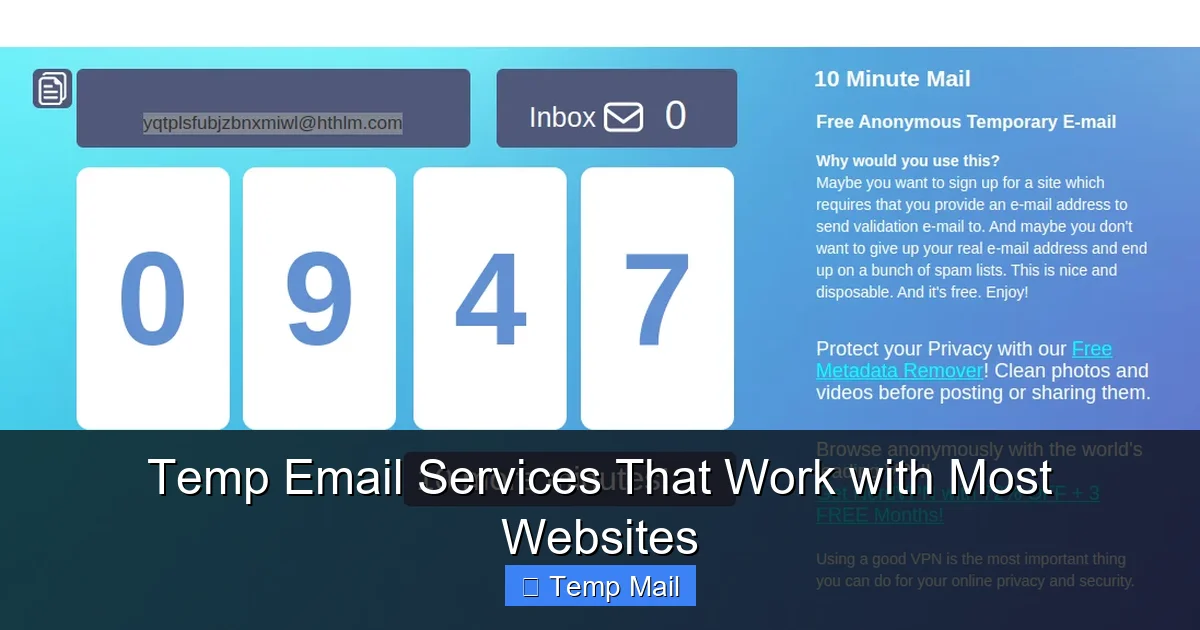
Temporary mail is a service that provides you with a random, anonymous email address for a short period—usually 10 minutes to a few hours, sometimes up to a day. You don’t need to register, provide a password, or give any personal information to use it.
Visual guide about How Temp Mail Protects Your Inbox
Image source: temp-inbox.me
How It Works: A Step-by-Step Breakdown
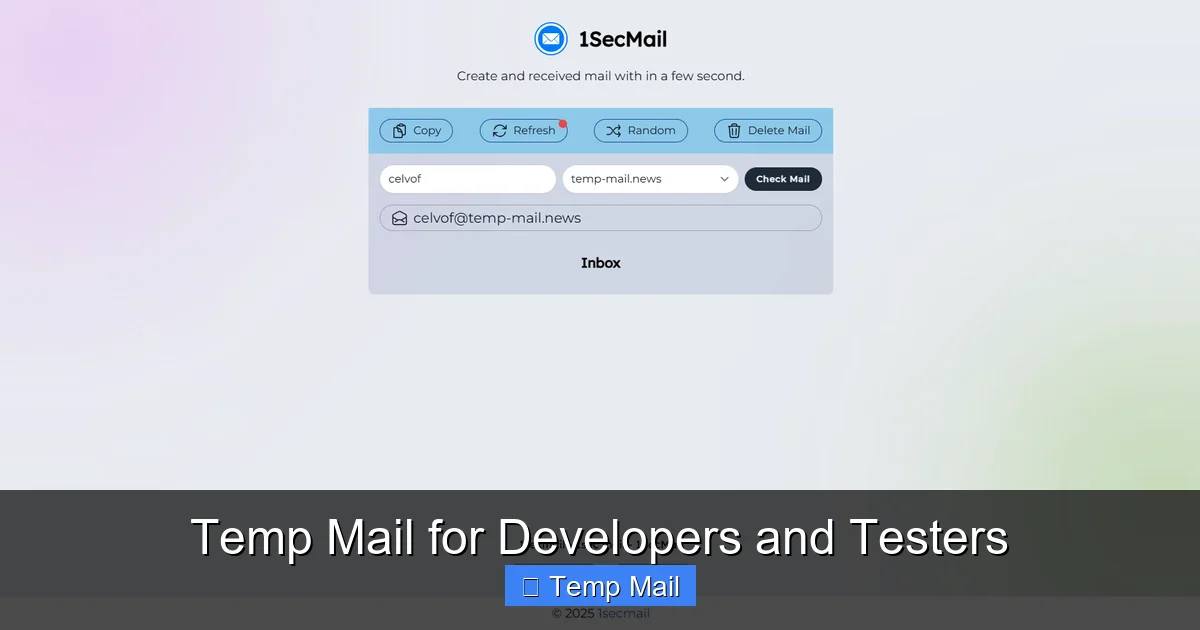
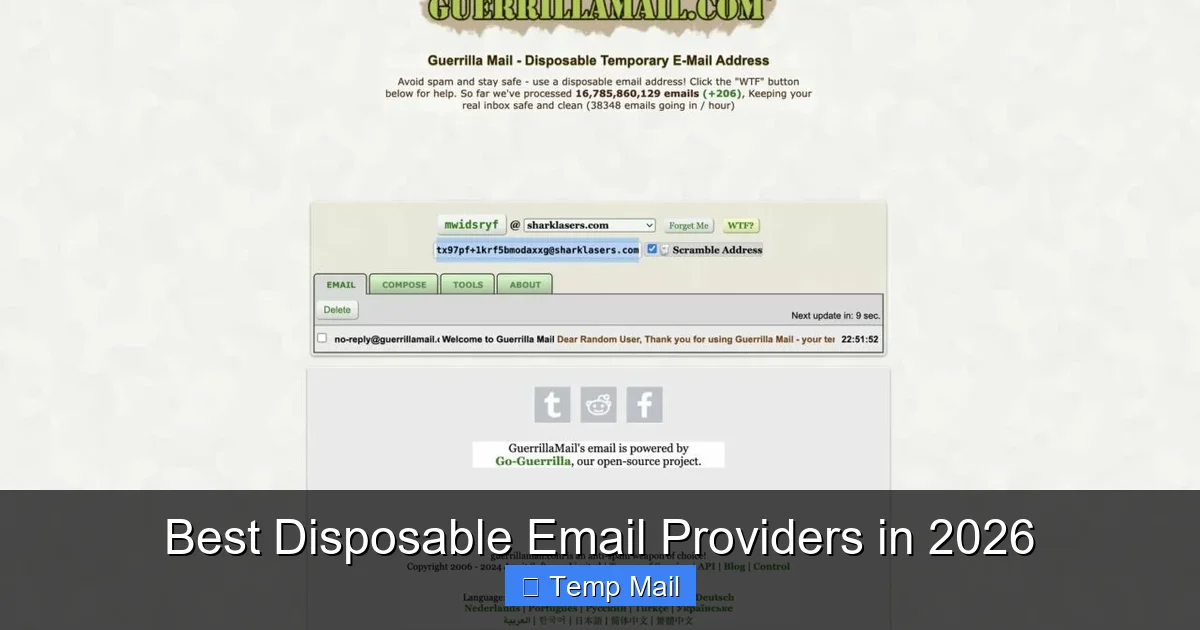
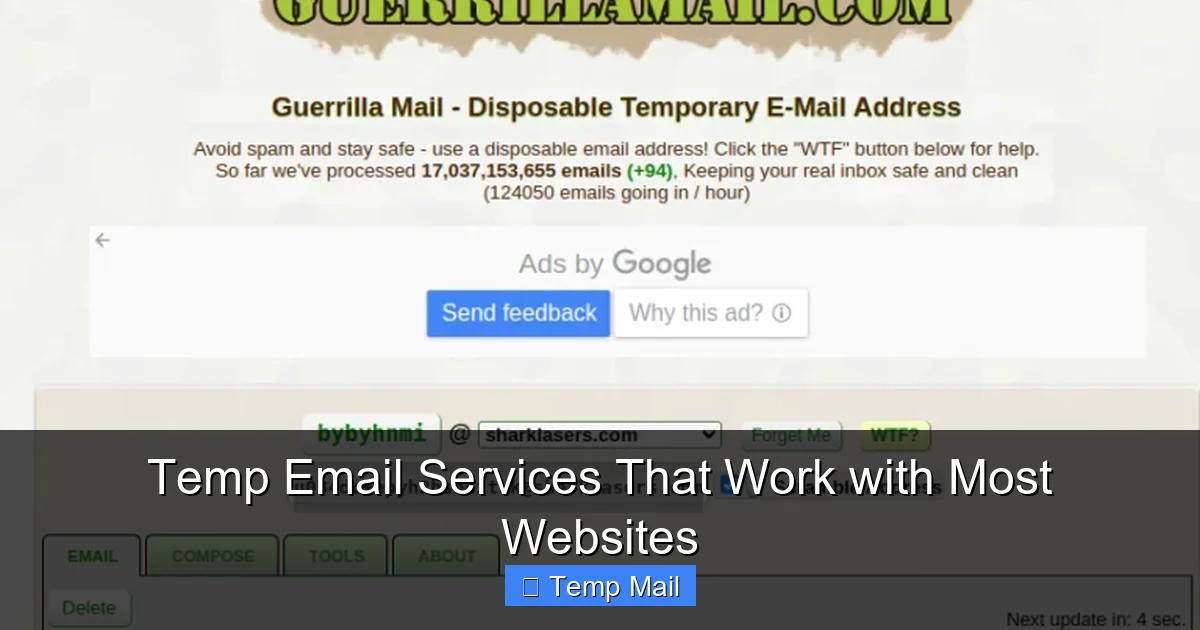
- Generation: You visit a temp mail website (like Temp-Mail.org, 10MinuteMail.com, or others). The site instantly generates a random email address for you (e.g., [email protected]) and displays it prominently on the page.
- Use: You copy that address and paste it into any website or form that requires an email. You sign up, download the file, or verify the account.
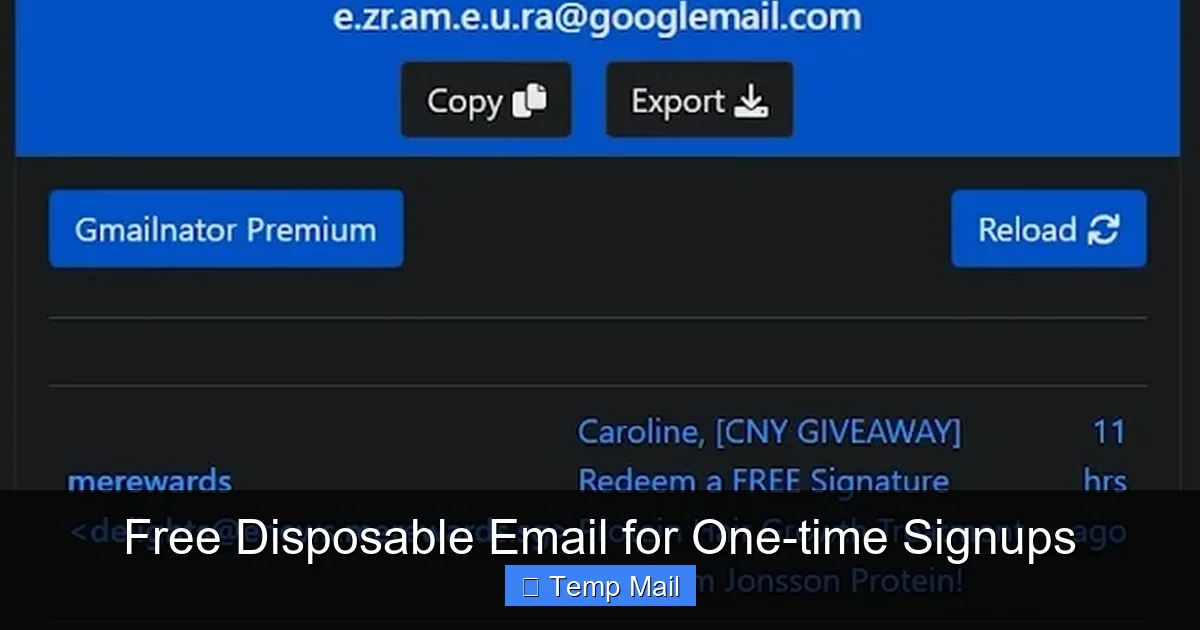
- Reception: Any email sent to that disposable address appears in a web-based inbox displayed on the temp mail site. You can view it, sometimes download attachments, and click links *while the inbox is active*.
- Destruction: After the time limit expires, or if you manually delete the inbox, the email address and all its messages are permanently wiped from the service’s servers. That address is then recycled and given to another user in the future.
The Architecture of Anonymity
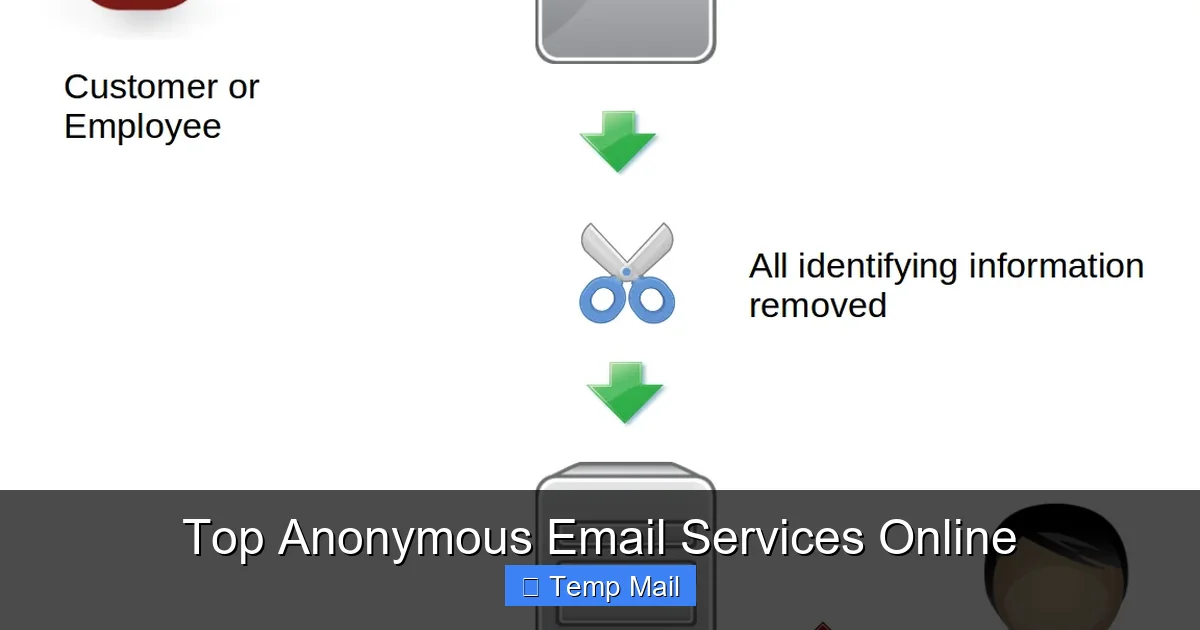
The magic lies in the separation. There is no link between the temporary email address and your identity. The service provider doesn’t know who you are. The website you signed up with only knows the disposable address. This breaks the chain of traceability. When that disposable address dies, the connection to that website dies with it. Your primary email, with all its history and associated accounts, remains completely untouched and unknown to that service.
Primary Protection: How Temp Mail Defends Your Inbox
Now, let’s connect the mechanics directly to the protection of your main inbox.
Visual guide about How Temp Mail Protects Your Inbox
Image source: temp-inbox.me
Barrier #1: Absolute Spam Containment
This is the most immediate and satisfying benefit. Let’s say you want to download a wallpaper pack from a sketchy-looking site. You use your temp mail. The site sends a confirmation link and, inevitably, starts sending you “deals” every day. Where do those emails go? To the temp inbox. You simply close the browser tab or wait 10 minutes. The spam never touches your primary inbox. It’s contained and then vaporized. Over time, this single action prevents thousands of unwanted emails from ever being delivered to your important accounts.
Barrier #2: Phishing and Breach Immunization
Consider a data breach at a gaming forum you visited once. Hackers steal the user database. What do they get? A list of usernames and—you guessed it—temporary email addresses. Those addresses are either already expired or will expire soon. They are useless for targeted attacks against your real identity. The hacker cannot use that forum email to request a password reset on your Gmail or bank account because the reset link would go to an inbox that no longer exists. Your primary email remains a secret, insulated from the breach.
Barrier #3: Preventing Unwanted Marketing Profiles
When you use a temp address for a newsletter you’re semi-interested in or a store you might shop at once, you prevent that company from adding your primary email to its marketing database. You can still read the newsletter or get the discount code via the temp inbox, but your permanent identity isn’t logged in their CRM system. You are a ghost user, consuming content without becoming a marketable asset.
Practical Use Cases: When and Where to Use Temp Mail
Knowing *why* it works is one thing. Knowing *when* to use it is the key to unlocking its full potential. Think of temp mail as your default setting for any non-essential online interaction.
Visual guide about How Temp Mail Protects Your Inbox
Image source: is1-ssl.mzstatic.com
For Downloads and “Free Gifts”
This is the #1 use case. Any time a website asks for your email in exchange for a PDF, template, software trial, or wallpaper pack, use a temp address. You get the file via the temporary inbox, and the obligation (and future spam) vanishes with the inbox.
For Forum and Comment Section Sign-Ups
Do you need to create an account just to comment on an article or post in a forum? Use temp mail. You verify the account, make your comment, and never look back. The forum cannot spam you, and if the forum is later compromised, your temp address is the only thing exposed.
For One-Time Service Trials
Signing up for a 7-day trial of a SaaS tool? Use a temp email. You’ll get the initial access link and maybe a reminder or two in the temp inbox. When the trial ends, there’s no persistent account tied to your real email to accidentally charge you or clog your inbox with “come back” offers.
For Accessing Gated Content
Many blogs and news sites now require an email address to read a certain number of articles. A temp address lets you bypass this paywall-like tactic without subscribing to their newsletter stream.
For Testing and Development
Developers and testers use temp mail constantly to create multiple test accounts for apps and websites without managing hundreds of real email accounts. It’s a huge time-saver.
For Privacy-Conscious Browsing
Simply visiting a site can sometimes trigger a pop-up asking for your email for “updates.” If you’re not ready to commit, a temp address lets you close that pop-up and continue browsing without pressure or future consequence.
Security and Privacy: The Deeper Benefits
Beyond a clean inbox, temp mail offers a layer of digital hygiene that is hard to achieve otherwise.
Reducing Your Digital Attack Surface
In cybersecurity, your “attack surface” is all the points where a hacker could potentially gain access. Every account linked to your primary email is a point in that surface. By minimizing the number of sites that have your real email, you drastically reduce the number of places that, if breached, could lead to a credential-stuffing attack on your more important accounts. Temp mail is a form of “security through compartmentalization.”
Bypassing Unnecessary Data Collection
Many sites ask for an email not because they need to communicate with you, but because they want a unique user identifier to build a profile. Using a temp email is a quiet act of resistance against this pervasive data economy. You’re saying, “I will consume your content or service, but I will not become your product.”
Mitigating Cookie and Tracking Synergy
Your email address is the most powerful tracking cookie. When combined with browsing data, it creates a terrifyingly complete picture. Temp mail severs this link at the most fundamental level. The activity associated with the temp address cannot be cross-referenced with the activity on your real accounts.
Limitations and Crucial Best Practices
Temp mail is a powerful tool, but it’s not a magic bullet. Using it incorrectly can create new problems. Understanding its limits is as important as knowing its strengths.
What Temp Mail is NOT For
- Critical Accounts: Never use it for your bank, primary cloud storage (Google Drive, iCloud), main social media accounts (Facebook, Twitter, LinkedIn), or work/school logins. You need permanent, recoverable access to these.
- Account Recovery: If you use a temp email for an account and then lose access to that temp inbox (which is certain), you will be locked out of that account forever. There is no “forgot password” option.
- Sending Sensitive Information: Temp inboxes are not encrypted. Do not use them to receive passwords, financial statements, or private documents.
- Long-Term Subscriptions: If you genuinely want to receive a monthly newsletter from a trusted source, use your primary or a secondary *permanent* email address, not a temp one.
The Smart User’s Checklist
To use temp mail effectively and safely, follow this simple protocol:
- Have a dedicated primary email. This is for family, close friends, work, and essential services (Amazon, Netflix, your bank). Guard it fiercely.
- Consider a secondary permanent email. For less critical but recurring things (like a loyalty program or a hobby newsletter), create a free secondary account with a provider like Gmail or ProtonMail. Use this as your “semi-clean” inbox.
- Reserve temp mail for the disposable world. Anything where you want a one-time interaction, a file, or a verification code and have zero intention of maintaining a long-term relationship with the sender.
- Check the temp inbox immediately. If you need a verification link, you have a short window. Open the temp mail site in a separate tab while you sign up elsewhere.
- Don’t get attached. The moment you finish your task, you can forget about that email address. No need to bookmark it.
The Future of Inbox Management and Privacy
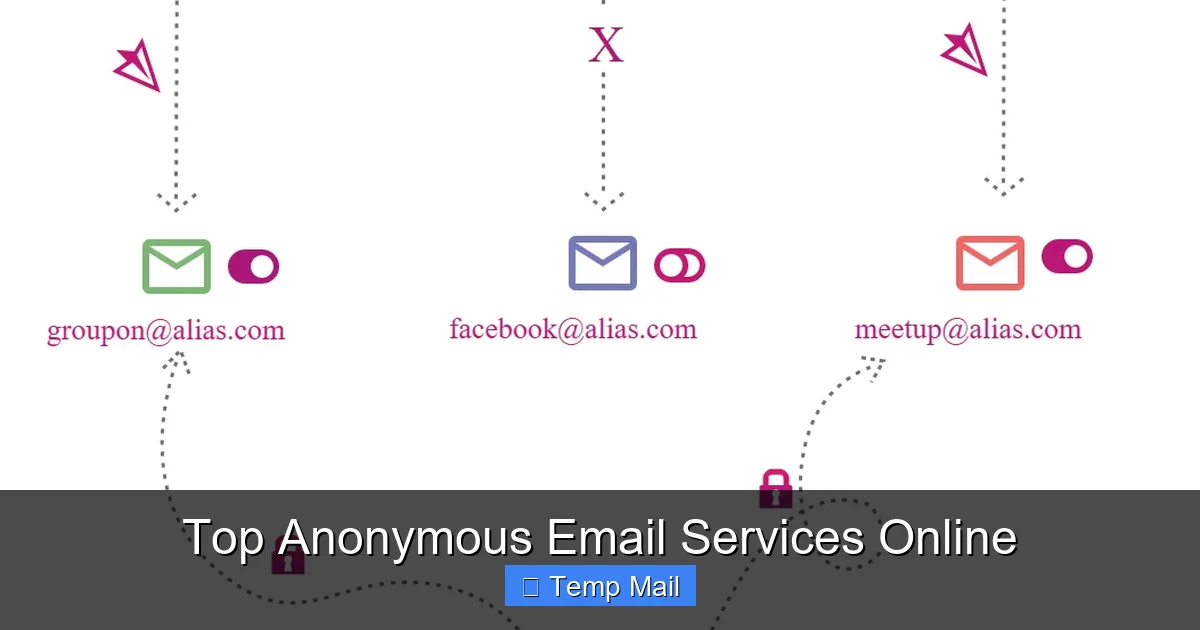
The rise of temp mail is a direct response to the broken email ecosystem. It’s a user-powered correction to a system that treats email addresses as public commodities. We are seeing this philosophy expand. Some password managers now include alias generation (like Apple’s “Hide My Email” or Firefox’s “Relay”), which creates unique, forwardable email aliases that are more persistent than temp mail but still protect your real address. This is the evolution: moving from a single, vulnerable primary address to a dynamic, layered identity strategy where your real email is the crown jewel, hidden behind layers of disposable or alias shields.
As data privacy regulations tighten and user awareness grows, the expectation of an email address as a free-for-all will hopefully diminish. Until then, temp mail remains one of the simplest, most effective tools in your privacy toolkit. It’s a low-effort, high-reward habit that, once adopted, makes you wonder how you ever tolerated a spam-filled inbox before.
Conclusion: Reclaim Your Digital Peace
Your inbox doesn’t have to be a war zone. The constant barrage of spam, the lurking fear of a data breach, the feeling of being tracked—these are not inevitable prices of the internet. They are symptoms of using a fragile, permanent tool (your primary email) for every temporary, disposable task the web throws at you.
Temporary email services offer a profound shift in perspective. They allow you to separate the essential from the expendable in your digital life. By using a disposable address for the 90% of online interactions that are fleeting, you protect the 10% that truly matter. You keep your primary inbox clean, your security intact, and your personal data out of the hands of data brokers.
Start today. The next time a website asks for your email for a free guide or a quick sign-up, pause. Open a new tab, generate a temp address, and use that instead. Experience the quiet satisfaction of closing that tab knowing your real inbox is safe. That small act is a declaration of digital autonomy. It’s you, taking back control, one disposable address at a time.
Frequently Asked Questions
Is using temporary mail legal and safe?
Yes, using temp mail is completely legal. It is safe for the user as it protects your real identity and inbox from spam and potential breaches. The safety concern is minimal since you are not sending sensitive data through it. The primary risk is to the service provider if the temp address is used for illegal activities, but the user’s anonymity is generally protected.
Can I recover emails from a temporary inbox later?
No. The core principle of temp mail is disposability. Once the inbox expires (usually after 10 minutes to a few hours) or you manually clear it, all emails and the address itself are permanently deleted from the server. There is no recovery option, which is why you must only use it for non-critical, one-time purposes.
Will websites block or ban me for using a temp email?
Some websites, especially those with strong anti-fraud measures or high-value sign-ups (like certain financial services), may detect and block known temp mail domains. For most general websites, forums, and download portals, it works perfectly. If a site rejects your temp address, you’ll need to use a real one or a secondary permanent email.
What happens if a website I signed up with using temp mail sends a crucial update?
You will not receive it. Since the temp mail inbox is gone, the email will bounce back to the sender. This is why you must never use a disposable address for any service where you need ongoing communication, such as account security alerts, subscription confirmations, or official receipts.
Are temporary email services truly anonymous?
For the user, yes, they provide a high degree of anonymity. You do not log in, so the service provider has no inherent link between you and the temporary address. However, your IP address is logged by the temp mail site itself, as with any web visit. For extreme anonymity, using a VPN in conjunction with temp mail is recommended.
How long do temporary email addresses typically last?
It varies by service. Common durations are 10 minutes, 1 hour, or 1 day. Some services allow you to extend the time manually. The lifespan is always clearly displayed. You must complete your task (like clicking a verification link) within that window.