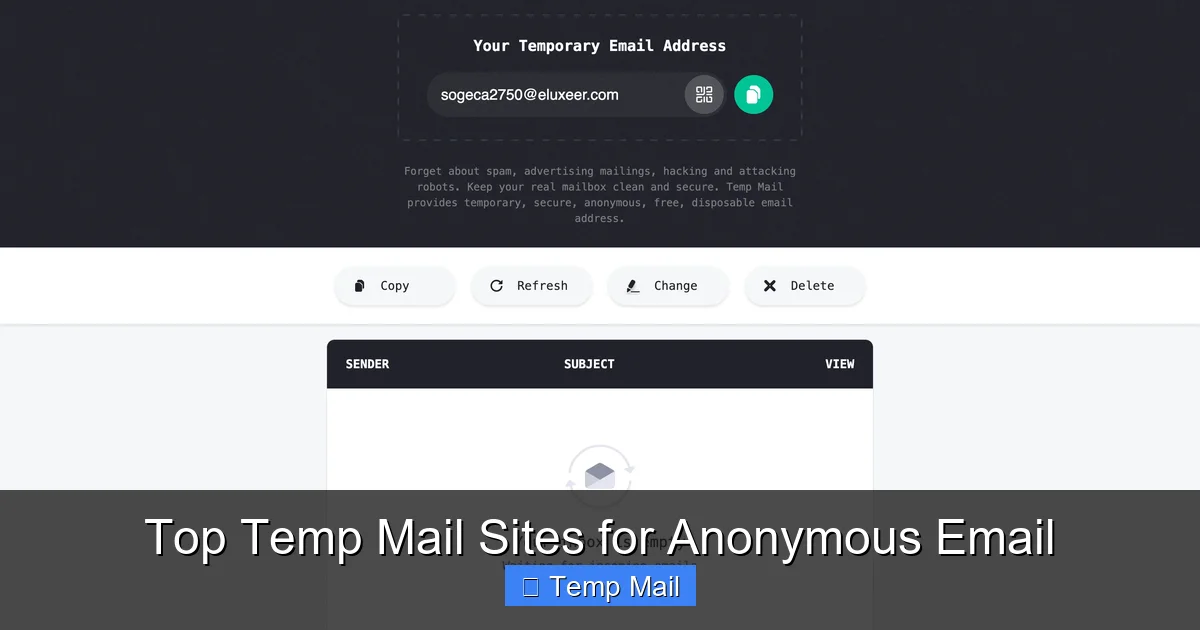
Tired of spam clogging your main inbox? Disposable email services give you a temporary, throwaway address in seconds for instant sign-ups and downloads. It’s the perfect tool for protecting your real identity online, filtering out unwanted newsletters, and accessing gated content without commitment. Use it wisely for non-critical accounts, and keep your primary email pristine.
Ever felt that moment of hesitation right before you click “Sign Up”? You’re about to download a great-looking e-book, try a new SaaS tool, or join an online forum. The price? Just your email address. But you know that handing over your primary email is like giving out your home address to every stranger on the internet. The promise of “useful updates” inevitably curdles into a relentless stream of promotional spam. What if you could just… borrow an email address for five minutes, get what you need, and vanish? That’s the simple, powerful promise of a disposable email for instant access. It’s not a shady hack; it’s a practical privacy tool for the modern web, and understanding how to use it can dramatically clean up your digital life.
This guide will walk you through everything you need to know about temporary email services. We’ll demystify how they work, explore their best-use cases, warn you about their critical limitations, and give you actionable tips to use them safely and effectively. Think of it as your friendly handbook to navigating the web without leaving a permanent trail.
Key Takeaways
- Privacy Shield: A disposable email acts as a protective barrier, keeping your real identity and primary inbox hidden from websites, marketers, and potential data breaches.
- Spam Combatant: By using a temporary address for one-time sign-ups or downloads, you effectively route all future promotional emails to an address that will self-destruct, keeping your main inbox clean.
- Instant Access Tool: It removes friction. You can bypass registration walls for e-books, software trials, or forum access immediately without creating a permanent account.
- Not for Critical Accounts: Never use disposable email for banking, primary social media, job applications, or any service where account recovery and long-term access are essential.
- Limited Lifespan: These emails are temporary by design, typically expiring after a few hours to days. You cannot retrieve them after expiration.
- Anonymity vs. Security: While great for anonymity from marketers, disposable emails offer no security encryption. Never send sensitive personal or financial data through them.
📑 Table of Contents
- What Exactly Is a Disposable Email?
- The Core Benefits: Why You Should Use Disposable Email
- Common and Smart Use Cases for Temporary Mail
- How to Choose and Use a Disposable Email Service
- The Critical Limitations and Risks You Must Know
- Advanced Considerations: Privacy, Legality, and Ethics
- The Future: Are Disposable Emails Here to Stay?
- Conclusion: Your Digital Bouncer
What Exactly Is a Disposable Email?
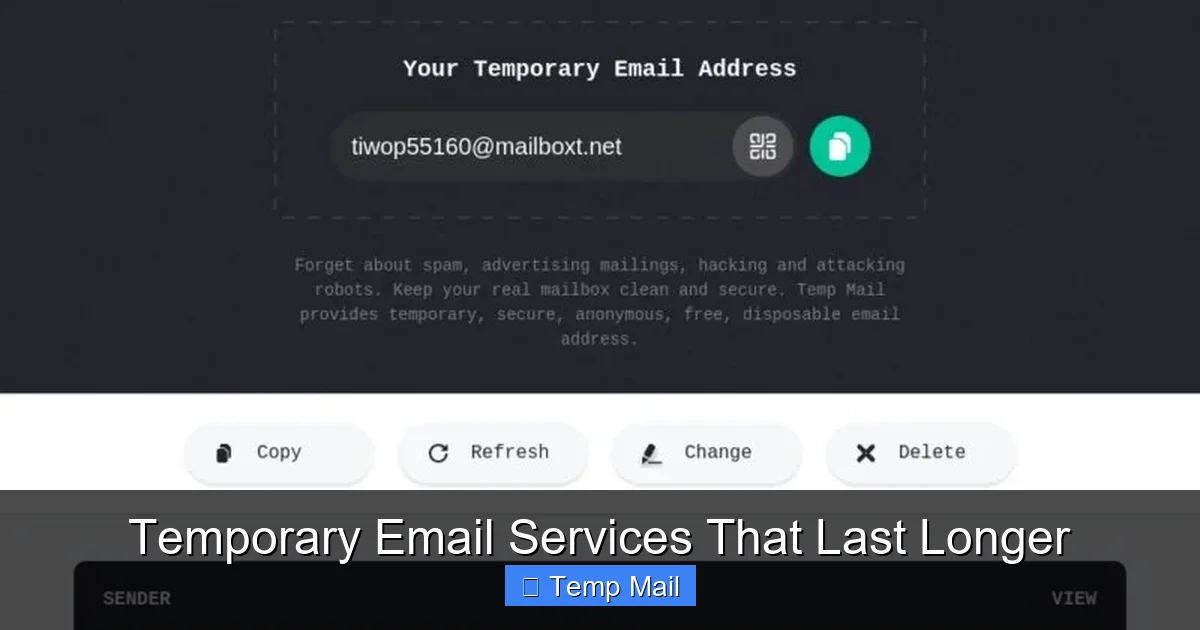
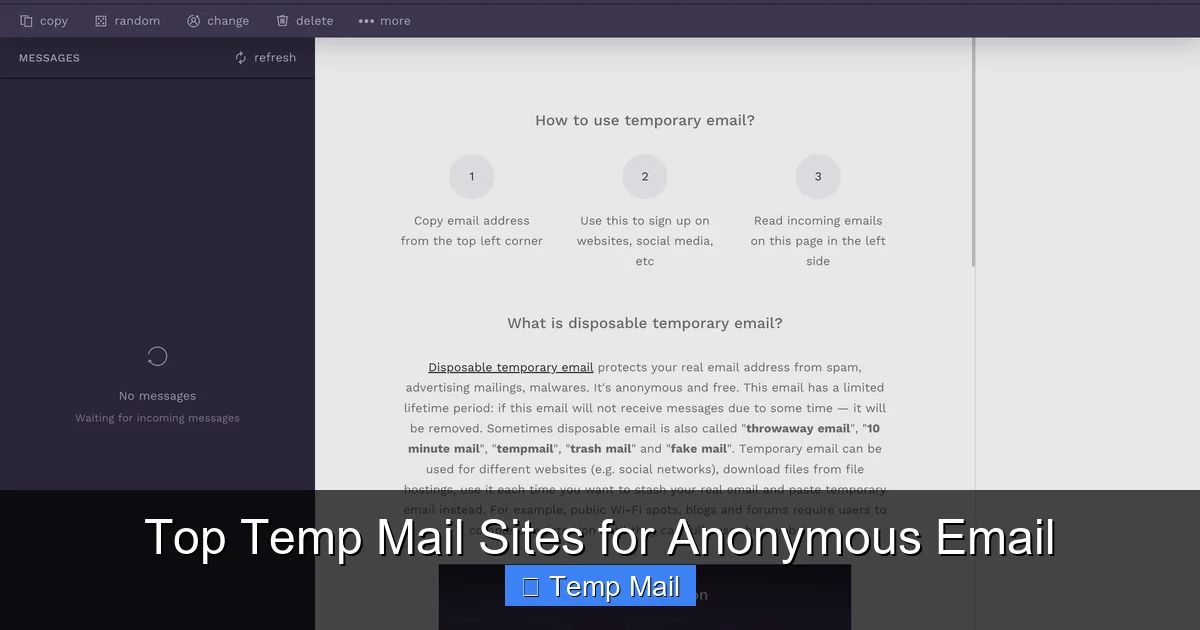
At its core, a disposable email (also called temp mail, throwaway email, or fake email) is a service that provides you with a random, functioning email address for a very short period of time—usually anywhere from 10 minutes to 48 hours. You don’t need to register, provide a password, or verify a phone number. You simply visit the service’s website, and a brand-new inbox is generated for you on the spot.
The inbox is fully functional. You can receive emails sent to that address almost instantly. The interface is usually a simple, clean list of messages. You can open them, click links, and sometimes even reply (though reply functionality varies by service). The defining feature is temporariness. Once the timer runs out, the address and all its messages are permanently deleted from the server, never to be seen again. It’s like renting a P.O. box for an hour, using it, and then having the post office incinerate everything inside.
How It Differs from Your Regular Email
Your Gmail, Outlook, or ProtonMail account is a persistent identity. It’s tied to your name, your contacts, your calendar, and often your other online accounts. It’s meant for long-term communication and storage. A disposable email is the opposite: it’s anonymous, transient, and isolated. It has no connection to you personally and no long-term storage purpose. Its sole job is to be a middleman for a single transaction.
The Core Benefits: Why You Should Use Disposable Email
The value of a temporary inbox isn’t in replacing your main email; it’s in complementing it. Here’s why millions of people use these services daily.
Visual guide about Disposable Email for Instant Access
Image source: i.ytimg.com
1. Slay the Spam Dragon Before It Breeds
This is the number one reason. When you use your real email to sign up for a freebie, that company’s email list is now a permanent part of your digital footprint. Even if you unsubscribe later, your address is still stored and potentially sold or leaked. With a disposable email, the spam goes to an address that will self-destruct. After a day, that spammy newsletter has nowhere to go. It’s a pre-emptive strike against inbox clutter.
2. Guard Your Privacy and Personal Data
Data breaches are nightly news. Every database that stores your email is a potential leak point. By using a temporary address for low-stakes websites, you reduce the number of databases that contain your real email. If that sketchy-looking coupon site gets hacked, the hackers only get a @temp-mail.org address that’s already dead. Your primary email remains in fewer data pools, enhancing your overall privacy posture.
3. Bypass Annoying Registration Walls
The internet is full of “gatekept” content. Want the whitepaper? Sign up. Want the template? Register. Sometimes you just want the thing, not a relationship with the company. A disposable email lets you instantly bypass these friction points. You get the download link in your temporary inbox within seconds, no password creation, no verification email dance with your main account. It’s instant gratification without the long-term commitment.
4. Test Services and Apps Anonymously
Are you a developer testing a new app’s email flow? A marketer wanting to see what a competitor’s newsletter looks like? A curious user trying out a forum before committing? A disposable email lets you explore a service’s email functionality without revealing who you are. It’s a sandbox for your digital identity.
5. Avoid Unwanted Personalization and Tracking
Many services use your email as a primary key to track your behavior across their site and partner networks. A new, anonymous email for each interaction breaks that tracking chain. It gives you a slightly more anonymous browsing experience for that specific session.
Common and Smart Use Cases for Temporary Mail
Knowing *when* to use a disposable email is just as important as knowing *how*. Here are the ideal scenarios.
- Downloading Gated Content: E-books, whitepapers, case studies, design templates, stock photos.
- Signing Up for Trials: Software trials (especially if you might not use it long-term), freemium service tiers you want to test.
- Accessing Forums or Commenting: Some older forums or news sites require an account to post. Use a temp mail to participate once without a permanent profile.
- One-Time Promotions: Getting a discount code from a brand you’ll probably never shop with again.
- Testing Website Forms: To ensure your own website’s email capture or contact forms work correctly.
- Creating a “Burner” for a Craigslist or Facebook Marketplace Sale: To communicate about a high-value item without giving out your main email or phone.
A Practical Example: Downloading a Free E-book
Let’s walk through a classic use case. You find a fantastic e-book on “10 Productivity Hacks.” The site says, “Enter your email to get your free copy.”
- Open a new tab and go to a trusted disposable email provider like Temp-Mail.org or 10MinuteMail.com.
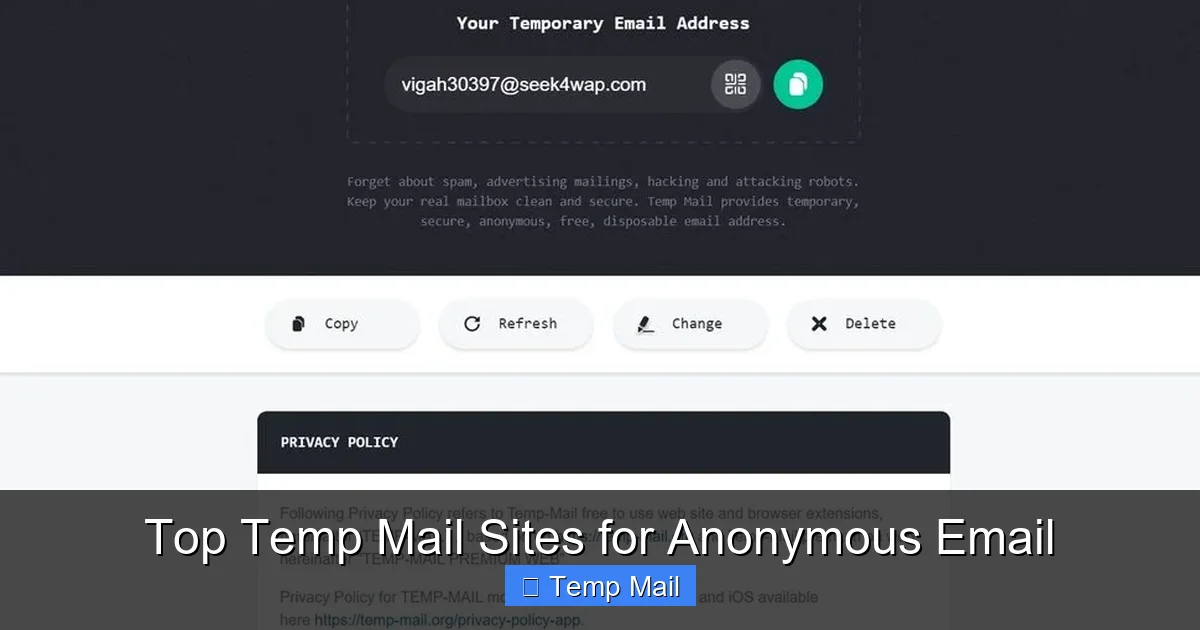
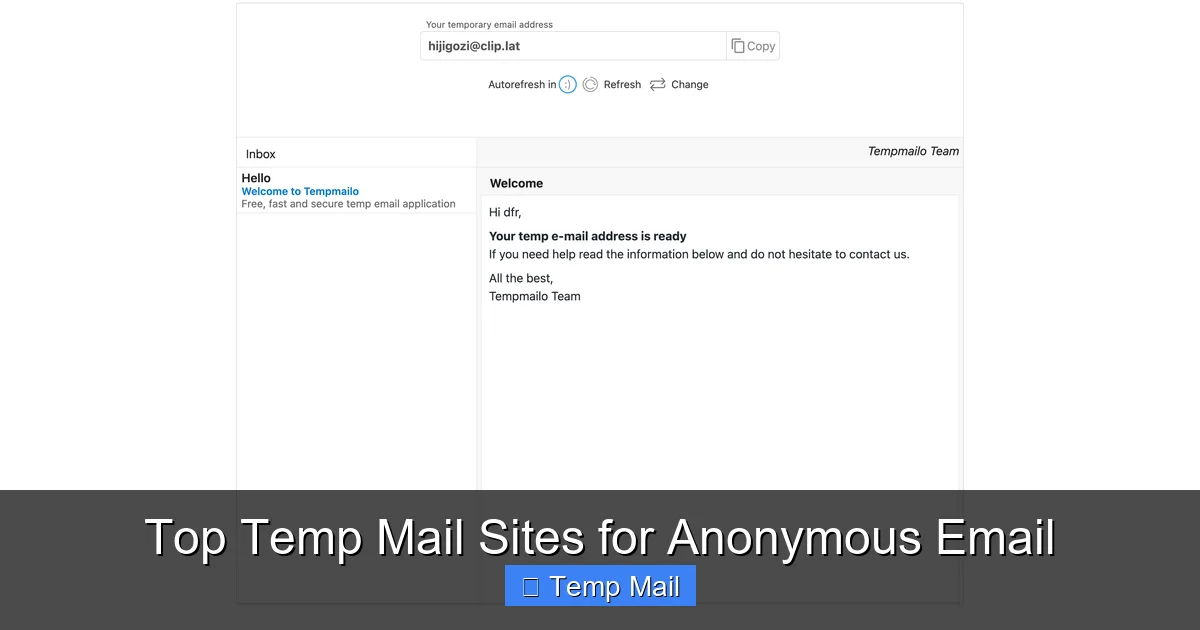
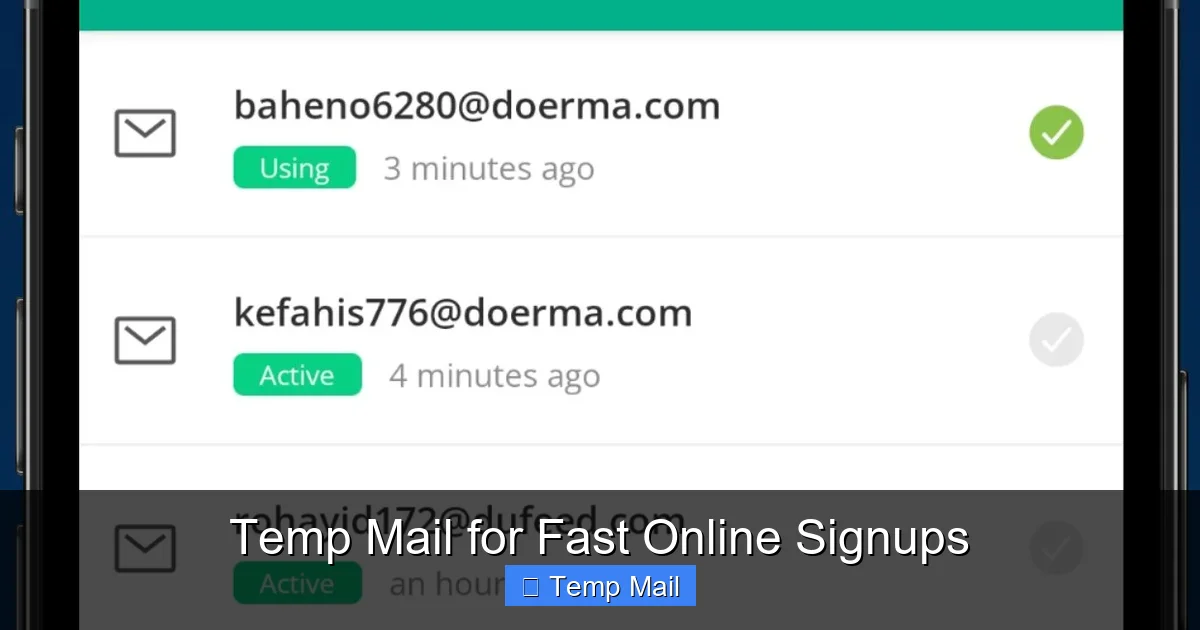
- Instantly, you’re given an address like [email protected] and a countdown timer (e.g., 45 minutes).
- Copy that address, switch back to the e-book site, paste it, and click “Download.”
- Within 10-20 seconds, check your temporary inbox. The email from the website is there. Open it, click the download link, and save the PDF to your computer.
- Close the tab. The email address is now dead. You have the book, and no future “productivity tips” newsletters will ever reach your real inbox. Mission accomplished.
How to Choose and Use a Disposable Email Service
Not all temp mail services are created equal. Here’s what to look for and how to use them effectively.
Visual guide about Disposable Email for Instant Access
Image source: wintesscommercial.com
Key Features to Look For
- No Registration Required: The whole point is instant access. If a service asks you to create an account to get a temporary email, run away. That defeats the purpose.
- Clear Expiration Timer: You should see a prominent countdown. Knowing exactly how long you have is crucial.
- Domain Variety: Some services offer multiple domain options (e.g., @tempmail.com, @tmpmail.org). This can help if a specific site blocks known temp mail domains.
- Simple, Ad-Light Interface: The best services have a clean inbox view. Avoid sites buried in misleading “Download Now” buttons and pop-up ads that make it hard to find your actual email.
- Copy Button: A one-click copy button for the email address is a small but significant usability feature.
Step-by-Step: Your First Time Using Temp Mail
1. Open Your Browser: Start a private or incognito window for an extra layer of separation from your main browsing session.
2. Navigate to a Provider: Type in a service name. Good, reputable options include Temp-Mail, 10MinuteMail, and Guerrilla Mail.
3. Grab Your Address: The email address is usually displayed prominently at the top. Click the copy button next to it.
4. Use It: Paste it into any website’s sign-up or download form.
5. Wait and Check: Refresh the temporary inbox page periodically. Incoming emails should appear automatically.
6. Complete Your Task: Open the email, click the necessary link, copy any code, or download the file.
7. Walk Away: Once done, simply close the tab. The address will expire on its own.
Pro-Tips for Power Users
- Bookmark Your Go-To Service: Have one or two reliable providers bookmarked for quick access.
- Open in a Separate Window: Keep the temp mail tab open in a separate window or desktop space while you fill out the form on the other site.
- Check Spam/Junk Filters: Sometimes, the confirmation email might land in the temporary inbox’s spam folder. Look there if nothing arrives after a minute.
- Use for Password Reset Links: If you’re creating a temporary account on a forum, use the temp mail to receive the initial verification/password reset link. Then, if you forget the password later, you won’t be able to recover it—which is fine for a throwaway account.
The Critical Limitations and Risks You Must Know
Disposable email is a fantastic tool, but it’s not a magic bullet. Using it incorrectly can cause serious headaches. Understanding its boundaries is non-negotiable.
1. It’s a One-Way Street (Usually)
Most disposable email services are designed for *receiving* emails only. You typically cannot *send* emails from a temporary address. Don’t try to use it as your primary communication method. It’s an inbox, not a full email client.
2. No Account Recovery, Ever
This is the most important rule. If you use a disposable email to sign up for a service and later forget your password, you are permanently locked out. There is no “forgot password” email because the inbox is gone. The account is lost. This is why you must only use it for services where you don’t care about long-term access.
3. Sites Actively Block Them
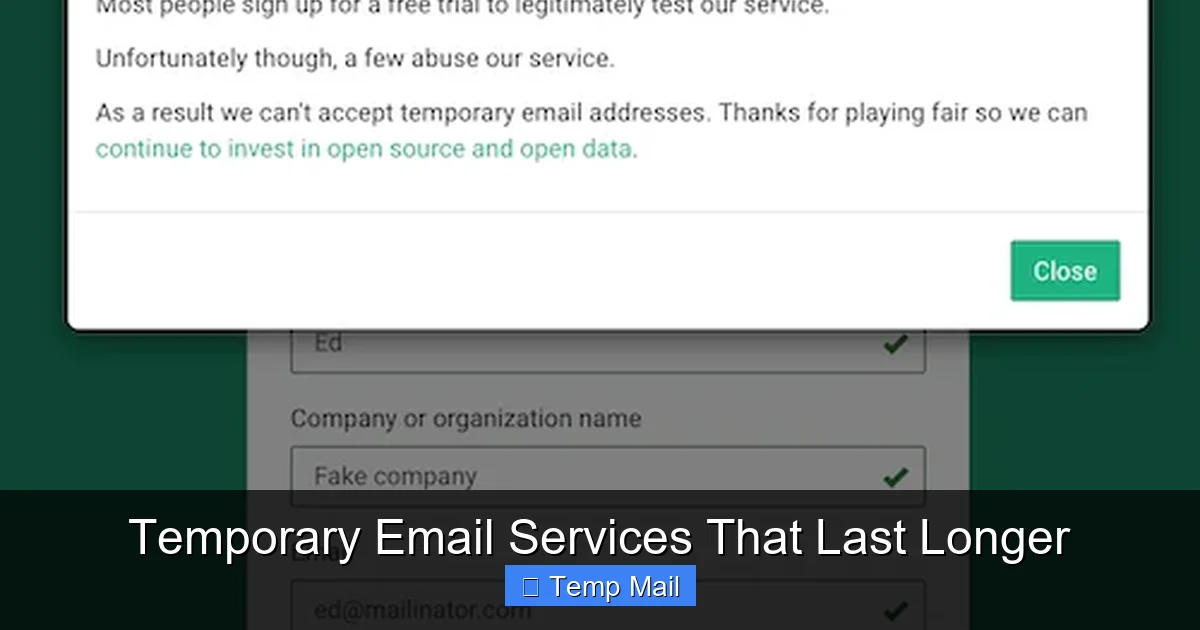
Many popular platforms (like Google, Facebook, major banks, and even some SaaS tools) maintain lists of known disposable email domains and will block you from signing up with them. They see it as a fraud and spam prevention measure. If your temp mail is rejected, try a different provider or domain, but often you’ll just have to use a real email.
4. Security and Encryption Are Not Guaranteed
Your regular email provider (like Gmail or ProtonMail) uses strong encryption in transit (TLS) and at rest. Many disposable mail services may not offer the same level of security for the emails they store, even briefly. Never, under any circumstances, use a disposable email to:
- Receive password resets for important accounts (banking, primary email, etc.).
- Communicate sensitive personal information (SSN, ID numbers).
- Receive confidential business documents.
- Engage in any activity where the content of the email itself is a secret.
5. They Can Be Used for Malice
Because they provide anonymity, disposable emails are a tool of choice for spammers, phishers, and fraudsters. If you are running a business or a community forum, you need to be aware of this and have other verification methods (like CAPTCHAs or phone verification) to prevent abuse from temporary addresses.
Advanced Considerations: Privacy, Legality, and Ethics
Using a tool designed for anonymity naturally raises some bigger questions.
Is It Legal?
Absolutely. Using a disposable email service is legal in virtually all jurisdictions. The service itself is a legitimate privacy tool. The legality question arises from *how* you use it. Using a temp mail to sign up for a free newsletter is fine. Using it to create 100 fake accounts to rig a voting poll may violate a website’s Terms of Service and could be considered fraud in some contexts. The tool is neutral; the user’s intent determines the ethical and legal standing.
What About Data Privacy Laws (GDPR/CCPA)?
This is a nuanced area. If you use a disposable email to sign up for a service, that service is processing “personal data” associated with *their* records (the temp email address and any activity linked to it). However, since the address isn’t linked to your real identity (in theory), it’s harder for you to exercise your “right to be forgotten” or data access requests because you can’t prove you are the “data subject” associated with that anonymous inbox. The service holding the temp email might delete it automatically, satisfying any implied request.
The Ethical Balance
For content creators and businesses, disposable emails represent a loss of a qualified lead and a potential spam trap. For users, they represent reclaiming control. The ethical middle ground is transparency. If a company clearly states “We will not spam you” and provides a clear, easy unsubscribe link in every email, then using your real email is a fair exchange for the content. When that trust is broken, or the content is of minimal value, the user is justified in using a disposable address. It’s a market signal that the value exchange is unbalanced.
The Future: Are Disposable Emails Here to Stay?
The cat-and-mouse game between spam filters and disposable email providers is eternal. As websites get better at blocking temp domains, providers will create new domains and more sophisticated forwarding techniques. We may see a shift towards browser-integrated privacy solutions (like advanced cookie controls) that make email gatekeeping less common. However, as long as the business model of “email for content” persists, and as long as data breaches continue, the demand for disposable, anonymous inboxes will remain robust.
Moreover, the concept is expanding. We now see “disposable” or “alias” email services that are more permanent (like Apple’s Hide My Email or Firefox’s Relay) which forward to your main inbox but can be disabled at any time. These offer a middle ground: you get the spam-filtering benefit but can still receive important emails. The core principle—separation of identity—is becoming a standard feature in the privacy toolkit.
Conclusion: Your Digital Bouncer
A disposable email for instant access is more than just a spam-fighting tool; it’s a fundamental piece of personal digital hygiene. It acts as your bouncer at the door of your primary inbox, deciding who gets in and who gets turned away. By using it strategically for non-essential, one-off interactions online, you take back control. You stop the relentless data harvesting, you declutter your mind and your mailbox, and you browse with a little more peace of mind.
Remember the golden rule: Your primary email is for people and services you trust and intend to have a long-term relationship with. Everything else is a candidate for the disposable address. Start today. The next time you see an email gate, pause, open a temp mail tab, and claim your instant access without the commitment. Your future, less-spammed self will thank you.
Frequently Asked Questions
Is using a disposable email safe?
It is safe for protecting your primary inbox from spam and for accessing low-stakes content. However, it is not secure for sending sensitive data, as most services lack strong encryption. Never use it for banking, password resets on important accounts, or personal communications.
How long does a disposable email last?
It varies by provider, but most disposable emails last between 10 minutes and 48 hours. The countdown timer is always visible, so you know exactly when the address and all its messages will be permanently deleted.
Can I send emails from a disposable address?
Almost never. Disposable email services are designed almost exclusively for receiving emails. Their purpose is to let you receive a verification link or download, not to serve as a two-way communication tool. If you need to send emails, use your regular provider.
Will a disposable email work for signing up on Facebook or Google?
No. Major platforms like Facebook, Google, Twitter, and most financial institutions actively block known disposable email domains during sign-up to prevent fraud and spam. You must use a permanent, verifiable email address for these services.
Is it illegal to use a fake email?
Using a disposable email service is not illegal. The legality depends on your intent. Using it to get a free e-book is fine. Using it to create fake accounts for scams, harassment, or to circumvent a ban is illegal and violates terms of service.
What’s the best disposable email service?
There is no single “best” service, as they come and go. Look for one that requires no registration, shows a clear expiration timer, has a clean interface without deceptive ads, and offers multiple domain options. Popular and generally reliable options include Temp-Mail.org, 10MinuteMail.com, and Guerrilla Mail. Always use a service directly from its website, not from a search result ad that might be a phishing site.