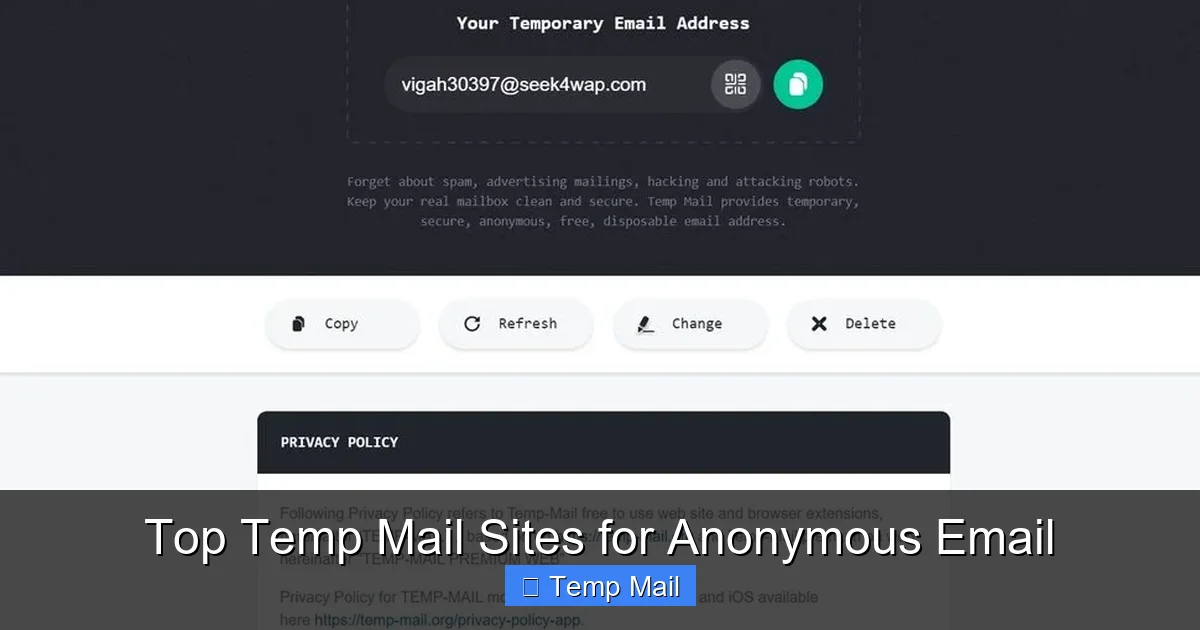
Tired of spam clogging your primary inbox? Temp mail services offer a simple, powerful solution: free, disposable email addresses that self-destruct. These anonymous email providers let you sign up for websites, download files, or verify accounts without ever revealing your real identity or risking future spam. In this guide, we break down the best temp mail sites, how they work, and exactly how to use them safely for maximum privacy.
Imagine this: you find an incredible free ebook, a must-have software trial, or a forum with vital information. But to access it, you need to “register with your email.” You hesitate. That’s another slot in your primary inbox destined for promotional sludge. What if there was a way to get the file, verify the account, and walk away without leaving a trace? Enter the world of temporary email, or “temp mail”—your digital cloak of invisibility for the messy, email-hungry corners of the internet.
This isn’t some shady, underground tool. It’s a practical, everyday privacy service used by millions, from cautious consumers to cybersecurity professionals. But with so many temp mail sites popping up, which ones actually deliver on the promises of anonymity, reliability, and ease of use? That’s where this guide comes in. We’ve tested and analyzed the top players to bring you a definitive list of the best temp mail sites for anonymous email. Forget the spam, reclaim your privacy, and learn how to wield this tool like a pro.
Key Takeaways
- Temp mail is a privacy shield: It provides a temporary, anonymous inbox that protects your primary email from spam, data breaches, and unwanted tracking by websites.
- No registration required: The best services generate an email address instantly on their homepage—no personal details, no password, no account creation.
- Emails are short-lived: Inboxes and their contents automatically delete after a set time (often 10 minutes to 1 hour), ensuring no digital footprint remains.
- Not for sensitive accounts: Never use a temp mail for banking, primary social media, or any account where recovery and long-term security are critical.
- Security varies by site: Look for HTTPS, clear privacy policies, and domains that aren’t blacklisted to ensure your temporary emails are actually delivered.
- Perfect for specific tasks: Ideal for one-time sign-ups, downloading gated content, testing app registrations, or bypassing mandatory email walls on forums.
- It’s a tool, not a magic wand: Temp mail solves the spam problem but doesn’t make you invisible online; your IP address may still be logged by the service or the website you visit.
📑 Table of Contents
- What Exactly is Temp Mail? (And Why You Need It)
- How Does Temp Mail Work? The Simple Mechanics
- The Top Temp Mail Sites: Our Tested & Ranked Favorites
- Practical Use Cases: When and How to Use Temp Mail
- Critical Security & Privacy Considerations: Don’t Get Complacent
- How to Choose the Right Temp Mail Service for You
- The Future of Temp Mail & Final Thoughts
What Exactly is Temp Mail? (And Why You Need It)
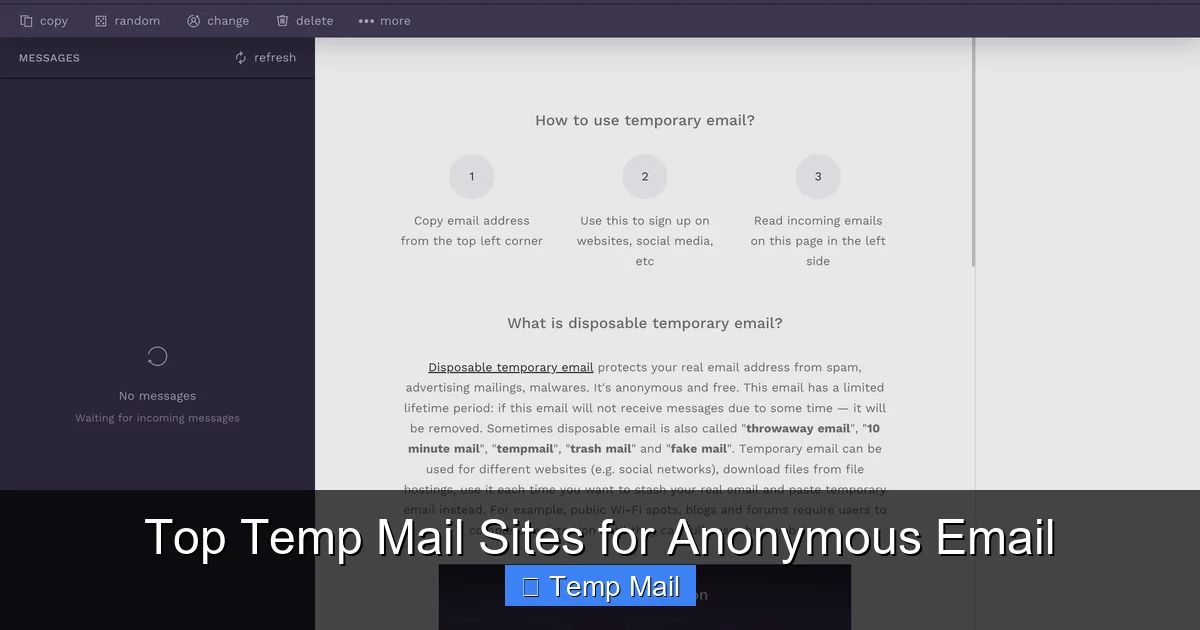
Let’s start with the basics. Temp mail is a service that provides you with a random, working email address for a very short period—typically 10 minutes to a few hours. This inbox exists on the provider’s server, not on your device. You don’t create a password or an account. You simply visit the website, copy the generated address, use it wherever an email is required, and then check the same webpage for incoming messages. Once the timer expires, the address and all its emails are permanently wiped from existence.
The Core Philosophy: Ephemeral Communication
The guiding principle is ephemerality—things are meant to be temporary. In an age where every click is tracked and every sign-up feeds a marketing database, temp mail reintroduces the concept of a “disposable” identity. It’s the digital equivalent of using a burner phone for a single, sensitive call. You engage, you get what you need, and you vanish. This directly combats the modern web’s default assumption that everyone must have a “real” email for everything, a model that has fueled the spam industry.
How It Differs from Regular & “Disposable” Email
It’s important to distinguish temp mail from two other concepts: your permanent Gmail/Outlook account and “disposable” or “alias” email services like SimpleLogin or AnonAddy.
- Your Primary Email: This is your digital home base. It’s tied to your identity, used for recovery, and you manage it long-term. It’s the target for spam if overused.
- Disposable/Alias Services: These create forwards to your main inbox. You get a unique address (e.g., [email protected]) that forwards to [email protected]. You can delete the alias later, but the emails still land in your primary inbox, potentially cluttering it. They offer more control but not true anonymity.
- Temp Mail: There is no forward. The inbox is isolated and self-contained. You visit the provider’s site to check it. No emails ever touch your real inbox. This is the purest form of anonymity for one-off tasks.
How Does Temp Mail Work? The Simple Mechanics
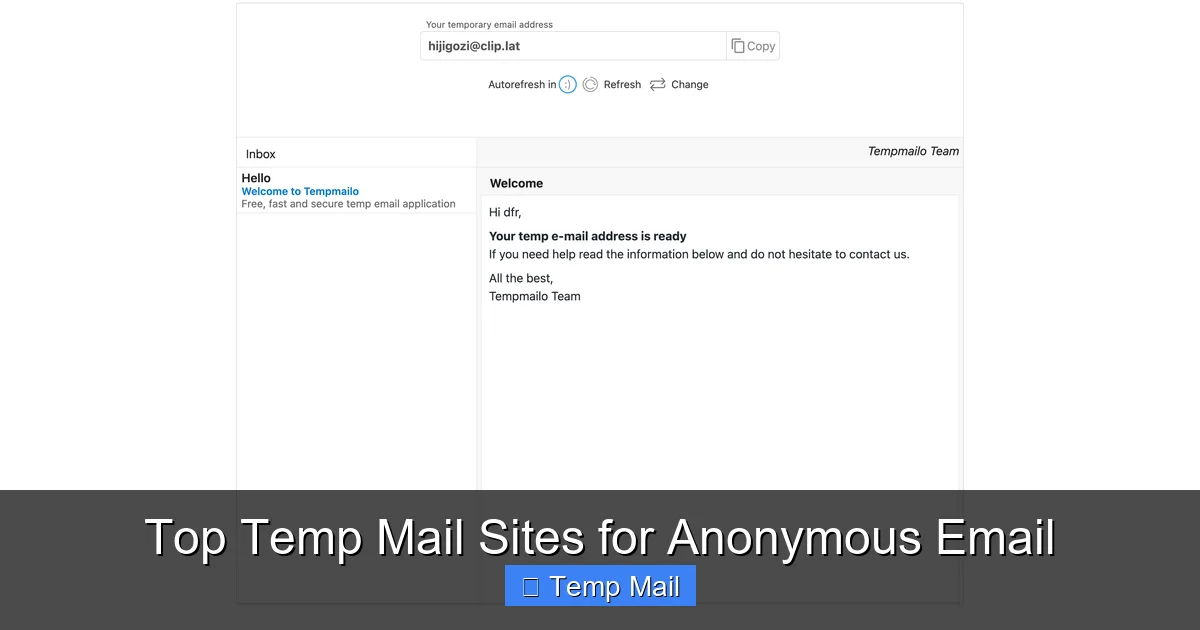
The magic of temp mail is its stunning simplicity. There’s no complex setup. Here’s the typical, step-by-step flow:
Visual guide about Top Temp Mail Sites for Anonymous Email
Image source: temp-mail.io
- Visit the Site: You go to a temp mail provider’s homepage (e.g., Temp-Mail.org).
- Get Your Address: The site instantly generates a random email address for you, like [email protected]. You can often click a button to generate a new one.
- Use It: Copy that address and paste it into any website that asks for an email to sign up, download, or verify.
- Wait & Check: The website will send a confirmation email or download link to that temp address. You stay on the temp mail site and refresh the inbox (or wait for auto-refresh) to see the incoming email appear.
- Access & Exit: Click the email in the temp inbox, get your verification code or download link, complete your task, and close the tab. Done.
- Vanishing Act: After the predetermined time (e.g., 1 hour), the entire inbox and its address are deleted from the server. Poof.
Behind the Scenes: What’s Technically Happening?
These services run on large pools of pre-configured mail servers. When you land on the site, the system assigns you an unused address from its pool and ties your session (via a cookie or session ID) to that inbox. All emails for that address are stored in a database linked to that session. When the timer runs out, a automated script purges that database entry and returns the address to the pool for someone else. It’s efficient, low-cost, and designed for high turnover.
The Top Temp Mail Sites: Our Tested & Ranked Favorites
Not all temp mail services are created equal. Some are slow, some have annoying ads, some have inboxes that expire in 5 minutes, and some are blocked by major platforms like Google or Facebook. We tested dozens based on speed, inbox longevity, ad intrusiveness, domain reputation, and reliability. Here are the top contenders, each with a specific strength.
Visual guide about Top Temp Mail Sites for Anonymous Email
Image source: temp-mail.io
1. Temp-Mail.org: The Gold Standard for Reliability
This is often the first result in a Google search for a reason. Temp-Mail.org is the benchmark against which others are measured.
- Why It’s Great: Incredibly fast inbox generation, a clean interface (minimal ads), and a generous default inbox life of 1 hour, which you can extend. It offers multiple domain options (like @tempmail.com, @tmpmail.org) if one is blocked. The inbox updates in near real-time.
- Best For: General-purpose use, beginners, and anyone who wants a no-fuss, reliable experience. It’s the most “plug-and-play” option.
- Potential Drawback: The free version has a CAPTCHA on initial generation, which is a minor hurdle.
2. 10MinuteMail.com: The Original Speedster
As the name implies, this service is all about blazing speed and a strict, short timeline.
- Why It’s Great: The 10-minute countdown is clearly visible, creating a sense of urgency that’s perfect for quick tasks. The interface is brutally simple—just an address and an inbox. It’s been around for ages and is highly trusted.
- Best For: Extremely quick, single-use tasks where you know the email will arrive instantly (like getting a download link from a file-sharing site). Also great for demonstrating the concept of temp mail.
- Potential Drawback: The 10-minute window is too short for many sites that have delayed email sends. You might run out of time.
3. Guerrilla Mail: The Feature-Packed Power User’s Choice
Guerrilla Mail goes beyond the basics, offering features that mimic a real email client while maintaining anonymity.
- Why It’s Great: You can choose from dozens of domain names. It has a “Send Email” feature (to other temp addresses), a password manager to save emails across sessions (if you bookmark the inbox URL), and a longer default lifespan (60 minutes). The interface is more robust.
- Best For: Users who need to interact slightly more, like sending a temp-to-temp email, or who want to bookmark an inbox to check later within the hour. Good for bypassing sites that check for known temp domains.
- Potential Drawback: The interface has more ads and can feel cluttered compared to Temp-Mail.org.
4. Maildrop.cc: The Minimalist’s Dream
If you hate ads and want the purest, most lightweight experience, Maildrop.cc is excellent.
- Why It’s Great: It’s almost unnervingly simple. A random address, a clean inbox. No distracting banners, no pop-ups. The inbox lasts for 24 hours, which is unusually long for a free temp mail service. It’s open-source, which is a mark of transparency.
- Best For: Privacy purists who dislike advertising, and for tasks where you might need the inbox to last through a workday (e.g., waiting for a support reply).
- Potential Drawback: Because it’s so minimal, it lacks some convenience features like domain choice. Its simplicity can also mean fewer “fresh” addresses if many people are using it simultaneously.
5. Tempail.com: The Mobile-Friendly Contender
Tempail.com is designed with a modern, responsive interface that works beautifully on smartphones and tablets.
- Why It’s Great: The mobile experience is seamless. The inbox refreshes automatically, and the layout is thumb-friendly. It offers a good balance of features and simplicity, with multiple domains and a 1-hour default lifespan.
- Best For:On-the-go use. If you’re signing up for an app on your phone and need a quick email verification, Tempail.com is arguably the easiest to use on a small screen.
- Potential Drawback: The desktop site is perfectly functional but feels slightly geared towards mobile users.
6. Discard.email: The Longevity Specialist
Need more time? Discard.email offers one of the longest free inbox lifespans in the game.
- Why It’s Great: The default inbox expiry is a massive 48 hours. You can also extend it. It provides a huge list of domain options, making it harder for a site to block the entire domain. The interface is clean and functional.
- Best For: Situations where you know an email might be delayed (e.g., manual review by a human), or for multi-step processes that span a day. Also excellent for creating a “semi-temporary” address for a short project.
- Potential Drawback: The long lifespan slightly defeats the “burner” ethos. You must be diligent to manually delete the inbox if you want it gone sooner.
Practical Use Cases: When and How to Use Temp Mail
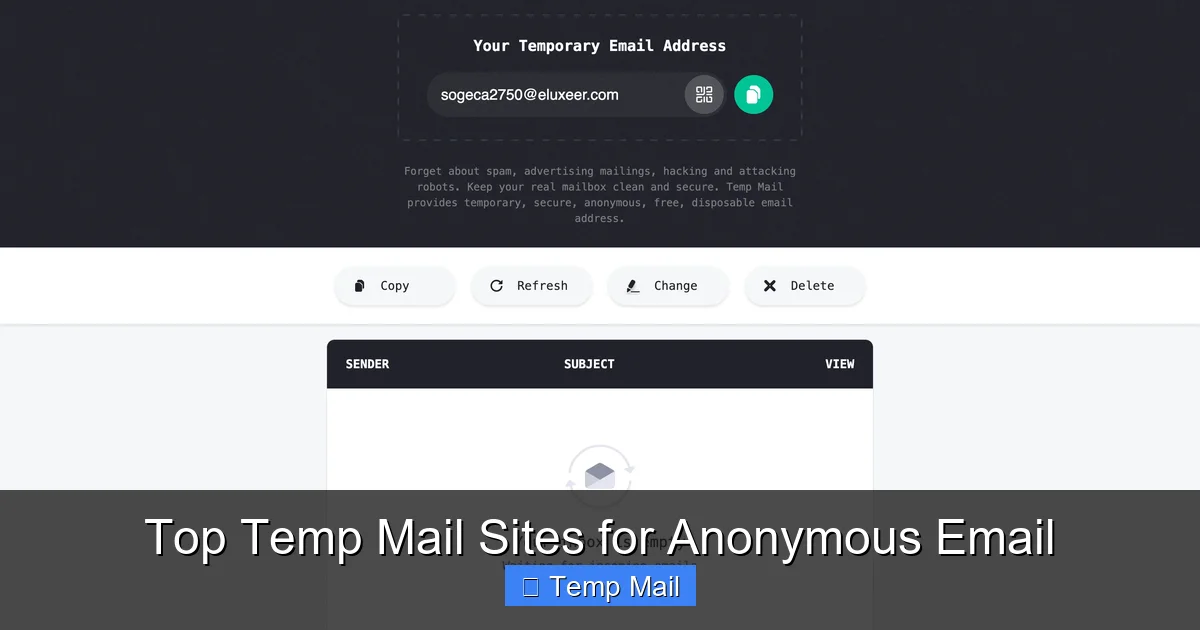
Knowing the best sites is one thing; knowing *when* to use them is the key to effective privacy management. Here are the most common and smartest applications.
Visual guide about Top Temp Mail Sites for Anonymous Email
Image source: temp-mail.io
1. Dodging Mandatory Sign-Ups for Content
This is the #1 use case. A blog asks for your email to “subscribe for updates” just to read an article. A whitepaper or case study is gated behind a form. A forum requires registration to view a single thread. Using your primary email here guarantees spam. Temp mail lets you bypass the wall, get the content, and leave no trace.
Pro Tip: After you get the download link or article, immediately clear your browser cache and cookies for that site to further reduce tracking.
2. Testing Apps and Services
Are you a developer testing user flows? A cautious user trying a new, sketchy-looking “free VPN” or “system cleaner”? Use a temp mail to create the test account. If the service turns out to be spammy or malicious, you’ve protected your real identity and inbox. You can safely delete the temp address and walk away.
3. One-Time Verification for Software Trials
Many “freemium” software tools require an email for the trial download key. Instead of using your work or primary email, use a temp address. The verification email arrives in seconds, you get your key, install the software, and the temp address dies before any “upgrade your subscription” spam can flood you.
4. Creating a Buffer for Online Marketplaces
Selling something on Craigslist, Facebook Marketplace, or eBay? Using a temp mail for the initial listing can prevent your primary email from being harvested by bots and scrapers that scan these sites. You can provide a more permanent contact method (like a phone number) separately to serious buyers.
Critical Security & Privacy Considerations: Don’t Get Complacent
“Anonymous” is a strong word. While temp mail brilliantly hides your email identity from the *service you’re signing up for*, it is not a VPN or an anonymity network. Understanding its limits is crucial for safe use.
The IP Address Question
When you visit a temp mail site, your IP address is logged by that site’s server. If the website you’re signing up for (e.g., a shady forum) is later involved in illegal activity and law enforcement gets a warrant, they could subpoena the temp mail provider’s logs to find the IP address that used a specific temp inbox at a specific time. The provider *might* keep minimal logs. This is a low risk for casual use but a real consideration for high-stakes anonymity. For true IP anonymity, you would need to use Tor or a reputable no-logs VPN *in addition* to temp mail.
HTTPS is Non-Negotiable
Always, always check that the temp mail site uses HTTPS (the padlock icon in your browser). If it doesn’t, your connection to the temp mail site is unencrypted. Anyone on your network (like public Wi-Fi) could potentially see the temp inbox you’re viewing and the emails within it. All the sites recommended here use HTTPS.
Domain Blacklists: The Silent Killer
Many popular websites (especially Google, Microsoft, Facebook, Twitter) actively block known temp mail domains from being used for account creation. If you try to use [email protected] to sign up for Gmail, it will be rejected instantly. This is why services that offer multiple domain choices (like Guerrilla Mail or Discard.email) are valuable—you can cycle through domains if one is blocked. There’s no guarantee any temp domain will work forever.
No Account Recovery, Obviously
This is the most important rule. If you use a temp mail to sign up for a service and then later forget your password to that service, you are permanently locked out. There is no “forgot password” email because the inbox no longer exists. Only use temp mail for accounts you don’t care about losing.
How to Choose the Right Temp Mail Service for You
With our top picks, which one should you bookmark? Ask yourself these questions:
- What’s my primary task? For ultra-fast downloads, 10MinuteMail. For longer waits (24-48 hours), Maildrop.cc or Discard.email. For a balanced, all-rounder, Temp-Mail.org.
- Am I on mobile? Make Tempail.com your go-to for phone-based sign-ups.
- Do I need to avoid blacklists? Choose a service with many domain options (Guerrilla Mail, Discard.email) so you can switch if one domain is blocked.
- How much do I hate ads? Maildrop.cc is the cleanest. Temp-Mail.org is reasonably clean. Others will have more prominent banners.
- Do I need to send emails? Only Guerrilla Mail has a functional “send” feature among our top picks. Most are receive-only.
Our General Recommendation: Keep Temp-Mail.org and one backup (like Guerrilla Mail for domain choice) bookmarked. Start with Temp-Mail.org for 90% of your tasks. If a site rejects its domain, switch to your backup and generate a new address from a different domain.
The Future of Temp Mail & Final Thoughts
The demand for temp mail is a direct symptom of the internet’s broken data economy. As long as websites insist on collecting emails for trivial reasons, disposable inbox services will thrive. We may see more integration with privacy-focused browsers, or even built-in “masked email” features from companies like Apple (Hide My Email) and Firefox (Firefox Relay). However, those are often tied to a primary account or have usage limits. Truly anonymous, no-strings-attached temp mail will remain a vital, standalone tool.
Using temp mail is a simple act of digital self-defense. It’s about asserting that your primary email address is yours—for important communications with people you know—and not a public commodity to be traded and spammed. By choosing a reliable service from our list and understanding its strengths and limits, you can navigate the web’s email gates with confidence and leave no trace. So go ahead, generate that anonymous address, get your file, and close the tab. Your real inbox will thank you.
Frequently Asked Questions
Is using a temp mail service legal?
Yes, using a temporary email service is completely legal in most jurisdictions. You are simply using a provided communication tool. However, using it for illegal activities (like fraud, harassment, or accessing services you are banned from) is, of course, illegal. Always comply with the Terms of Service of the website you are signing up for.
Can a temp mail address be traced back to me?
In normal use, the website you sign up with only sees the temporary email address, not your real one. However, the temp mail provider *does* see your IP address when you visit their site. While they typically don’t log this long-term, a legal request could potentially reveal the IP used at a specific time. For maximum anonymity, access temp mail sites through a trusted VPN or the Tor network.
How long do temp mail inboxes actually last?
It varies by provider. Common lifespans are 10 minutes, 30 minutes, 1 hour, 24 hours, or 48 hours. The countdown is usually displayed on the site. Some services allow you to manually extend the time. Always check the timer before relying on an inbox for a task that might take a while.
Can I send emails from a temp mail address?
Most temp mail services are designed for receiving emails only. They do not have SMTP servers configured for sending. A few, like Guerrilla Mail, offer a limited “send” function to other temp addresses. For sending anonymous emails, you would need a different tool, like an encrypted webmail service accessed via Tor.
Are temp mail sites safe from malware and viruses?
The temp mail sites themselves are generally safe, but the *emails* they receive could contain malicious links or attachments. The service does not scan emails for viruses. Never click suspicious links or download unexpected attachments from a temp inbox. Treat it like any unfamiliar email—with caution. The risk is to your device, not to your identity, since the inbox is disposable.
Why would a website block a temp mail domain?
Websites block known temp mail domains to combat spam, fake account creation, abuse, and to enforce their Terms of Service. They want genuine users. If a site rejects your temp email, it means the site’s administrators have identified and blacklisted that specific domain (e.g., @tempmail.org). Trying a different temp mail provider with a different domain is your only workaround.
Leave a Reply