Marketing emails are a relentless nuisance that clutter your primary inbox and expose your personal email to data brokers. A temporary email service provides a simple, powerful shield by giving you a short-lived, disposable address to use for sign-ups, downloads, and one-time offers. This strategy keeps your real email private, significantly reduces spam, and puts you back in control of your digital footprint without any cost or complicated setup.
Key Takeaways
- Disposable Armor: Temp mail acts as a sacrificial buffer between your primary email and the marketing world, absorbing spam so your main inbox stays clean.
- Zero Cost, Maximum Privacy: These services are typically free and require no personal information to create an address, drastically limiting the data you hand over to companies.
- Use It and Lose It: The core strength of temp mail is its temporary nature; once you’ve used the address for its intended purpose (e.g., getting a PDF), you simply discard it, severing any future connection.
- Not for Everything: Temp mail is perfect for transactional or promotional sign-ups but should never be used for critical accounts (banking, main social media, primary cloud storage) where long-term access is vital.
- Provider Matters: Not all temp mail services are equal; choose one with a reliable inbox, decent retention time (15-30 minutes is standard), and a simple interface without aggressive ads.
- Part of a Larger Strategy: For comprehensive inbox hygiene, combine temp mail with strong email filtering rules, unsubscribe diligence, and a dedicated “promotional” email address for non-critical subscriptions you want to keep.
📑 Table of Contents
- The Inbox Invasion: Why Marketing Emails Are Out of Control
- What Exactly Is Temp Mail? Your Digital Disposable Shield
- The Strategic Benefits: Why Temp Mail Is Your Anti-Spam Ally
- How to Choose and Use a Temp Mail Service: A Practical Guide
- Limitations and Crucial “Do Nots”: Where Temp Mail Fails
- Building Your Personal Inbox Defense Ecosystem
- The Bigger Picture: Privacy, Autonomy, and Digital Minimalism
- Conclusion: Reclaim Your Inbox, Reclaim Your Attention
The Inbox Invasion: Why Marketing Emails Are Out of Control
Open your primary email inbox right now. What do you see? Among messages from friends, family, and colleagues, how much of that space is stolen by “Special Offer Inside!”, “Your Exclusive 20% Off Expires Tonight!”, or “We Miss You!”? For most of us, marketing emails aren’t just a minor annoyance; they’re a digital tidal wave. They arrive unbidden after a single online interaction—a quick website visit, a downloaded ebook, a contest entry. They pile up, demanding attention, and even when you ignore them, they create noise,消耗 mental energy, and, most critically, sell your attention and your data.
The business model is straightforward: your email address is a commodity. Companies, from huge retailers to small bloggers, harvest emails to build lists. They then rent or sell these lists to advertisers and data brokers. Every marketing email you receive is a testament to your address being passed around, often without your meaningful consent. The “unsubscribe” link, while legally required, is sometimes a trap that confirms your address is active, potentially leading to *more* spam from affiliated networks. This cycle makes many feel powerless, as if their inbox is public property. But it doesn’t have to be this way. There is a simple, elegant, and free tool to fight back: the temporary email, or temp mail.
What Exactly Is Temp Mail? Your Digital Disposable Shield
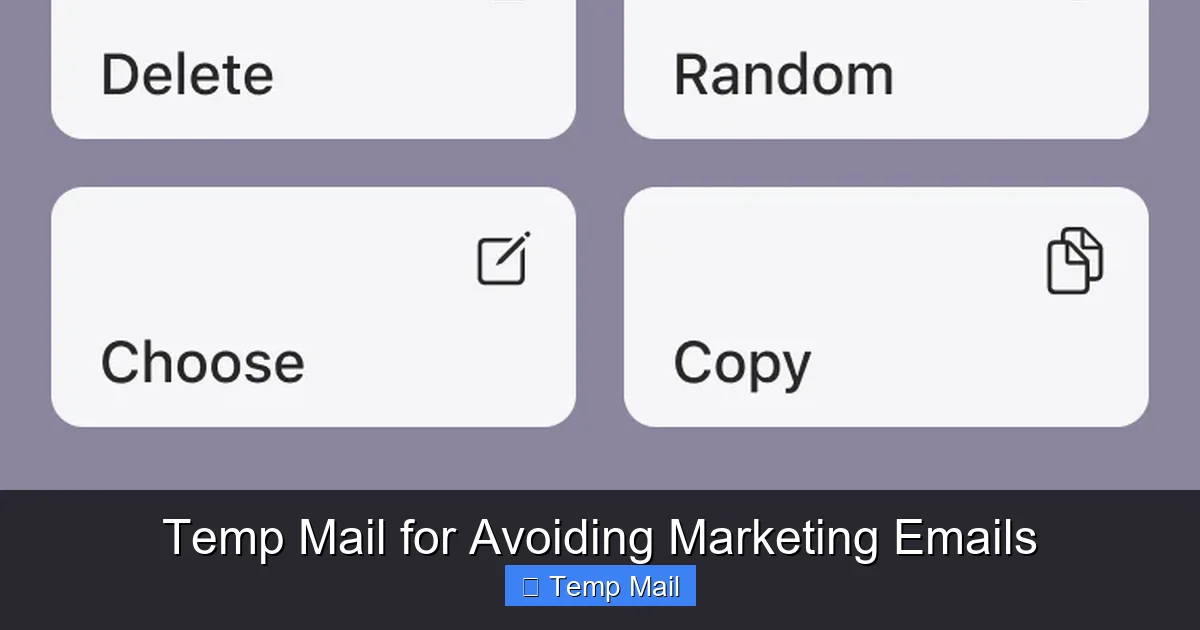
At its core, a temporary email service provides you with a random, anonymous email address that exists for a short, predetermined period—usually 10 minutes to 1 hour, sometimes up to a day. You don’t create an account. You don’t set a password. You simply visit a website like Temp-Mail.org, 10MinuteMail, or Guerrilla Mail, and a address like [email protected] is generated for you instantly. You can then copy this address and use it anywhere an email is required online.
Visual guide about Temp Mail for Avoiding Marketing Emails
Image source: temp-mail.io
How It Works: The Mechanics of a Temporary Inbox
Behind the simple interface is a clever system. The service maintains a pool of domain names (the part after the @) and randomly assigns addresses from that pool to incoming visitors. When you use your generated address to sign up for a newsletter, the confirmation email is routed to the service’s server and stored in a temporary inbox associated with your unique session. You refresh the page on the temp mail site to see incoming messages. Once the timer expires, or you manually delete the session, that address is retired and may be recycled for another user in the future. There is no persistent database linking that address to your IP address or any personal identifier. It is, by design, ephemeral.
Key Features That Make It Effective
What makes a temp mail service useful for avoiding marketing emails? First is anonymity. No sign-up means no personal data given to the temp mail provider itself (though you should still check their privacy policy). Second is simplicity. No password to remember, no recovery process. Third is the self-destruct mechanism. The address’s inevitable death is its greatest strength, as it severs the chain of communication after its single use. Finally, most services offer a reply function for a short time, allowing you to click a verification link or receive a one-time password (OTP) without ever touching your real inbox.
The Strategic Benefits: Why Temp Mail Is Your Anti-Spam Ally
Using a temporary email isn’t about being paranoid; it’s about being strategic and reclaiming agency. The benefits extend far than just a cleaner inbox.
Visual guide about Temp Mail for Avoiding Marketing Emails
Image source: oniad.com
1. Primary Inbox Sanctity: Zero Spam Leakage
This is the most immediate and satisfying benefit. When you use a temp mail for a “free webinar” sign-up or a “10% off your first order” pop-up, any subsequent promotional emails are sent to the disposable address. They never, ever reach your main inbox—the one you use for work, banking, and family. Your primary inbox remains a sanctuary for important communications only. You stop seeing those “Last Chance!” subject lines and the psychological drag of constant promotional noise.
2. Data Broker Starvation: Cutting Off the Supply Line
Data brokers compile profiles on individuals by aggregating information from countless sources, with email addresses being a primary key for linking data. By never giving out your permanent email for low-stakes interactions, you starve these brokers of a critical data point. Each temp mail address is a dead end. A company may have a record that “[email protected]” downloaded their whitepaper, but that record is useless for building a profile on *you*, the real person. It cannot be linked back to your real identity, your purchase history, or your location. You are effectively invisible to their profiling engines for those minor interactions.
3. Mitigating Data Breach Risks
No one expects the small e-commerce store they gave a temp mail to suffer a massive data breach. But breaches happen everywhere, from major platforms to niche forums. If that company’s database is stolen, the compromised email is a disposable one. There is no risk that a hacker can use that leaked address to then attack your other accounts (since you never used it elsewhere) or to find your real identity. It’s a contained incident with no collateral damage to your core digital life.
4. Streamlined Digital Hygiene and Mental Clarity
There’s a profound psychological benefit to knowing your primary inbox is pristine. You open it with less dread. You can focus on what matters. Temp mail enforces a discipline: “Is this interaction worth my real email?” If the answer is “no” or “maybe,” you use the disposable. This habit builds a powerful filter, making you more conscious about where you share your primary address. It turns inbox management from a chore into a conscious act of privacy preservation.
How to Choose and Use a Temp Mail Service: A Practical Guide
Not all temporary email services are created equal. Some are cluttered with ads, have unreliable inboxes, or have retention times too short for practical use. Here’s how to pick a good one and use it effectively.
Visual guide about Temp Mail for Avoiding Marketing Emails
Image source: mars-images.imgix.net
Criteria for Selecting a Provider
Look for a service that offers a clear, uncluttered inbox interface. You should be able to see incoming emails easily, with a distinct “refresh” button. Check the domain variety—some services offer multiple domain options (e.g., @temp-mail.org, @tmpmail.org), which can be useful if a particular domain is blocked by a website. Ensure the email retention time is at least 15-30 minutes; some may last only 10 minutes, which can be too short if you need to wait for a delayed confirmation email. Finally, avoid services that require you to solve aggressive CAPTCHAs for every action or that bombard you with pop-up ads that make checking your inbox a nightmare.
Step-by-Step: Using Temp Mail for a Sign-Up
1. Navigate: Go to your chosen temp mail site (e.g., temp-mail.org). A new address is generated automatically.
2. Copy: Highlight and copy the full email address.
3. Paste & Sign Up: Go to the website you want to access (a blog for a gated PDF, a discount code site, a forum registration). Paste the temp mail address into the email field and complete the sign-up.
4. Wait & Refresh: Return to the temp mail tab and hit the refresh button periodically. The confirmation email or OTP should appear within a few minutes.
5. Act: Click the link in the email (most services make links clickable) or copy the code and paste it into the original site.
6. Discard: Close the tab. Let the timer run out. The address is now dead. You have achieved your goal (downloaded the file, gotten the code) with zero spam risk to your primary inbox.
Pro Tips for Smooth Operation
- Use a dedicated browser window or incognito mode to avoid any session confusion, though it’s usually not necessary.
- Have your temp mail tab open before you start the sign-up process. Some sites send the confirmation email so quickly that if you wait to open the temp mail, it might expire before you check.
- Don’t get attached. If the email doesn’t arrive within 5-10 minutes for a standard sign-up, just generate a new temp address and try again. The old one will expire anyway.
- Bookmark your go-to service for one-click access. You’ll use this frequently.
Limitations and Crucial “Do Nots”: Where Temp Mail Fails
Temp mail is a fantastic tool for a specific job, but it is not a universal solution for all email needs. Using it incorrectly can lead to real problems.
The Single Point of Failure: No Account Recovery
This is the most critical limitation. Because the address is temporary and you have no password, you cannot recover an account registered with a temp mail. If you use a temp mail to sign up for a service where you later need to reset your password, you will be locked out forever. The “forgot password” email will be sent to an address that no longer exists. This makes temp mail completely unsuitable for any account you need to maintain long-term: social media profiles, online banking, primary cloud storage (Google Drive, iCloud), subscription services you pay for (Netflix, Spotify), or any official government/healthcare portal.
Website Blocks and Detection
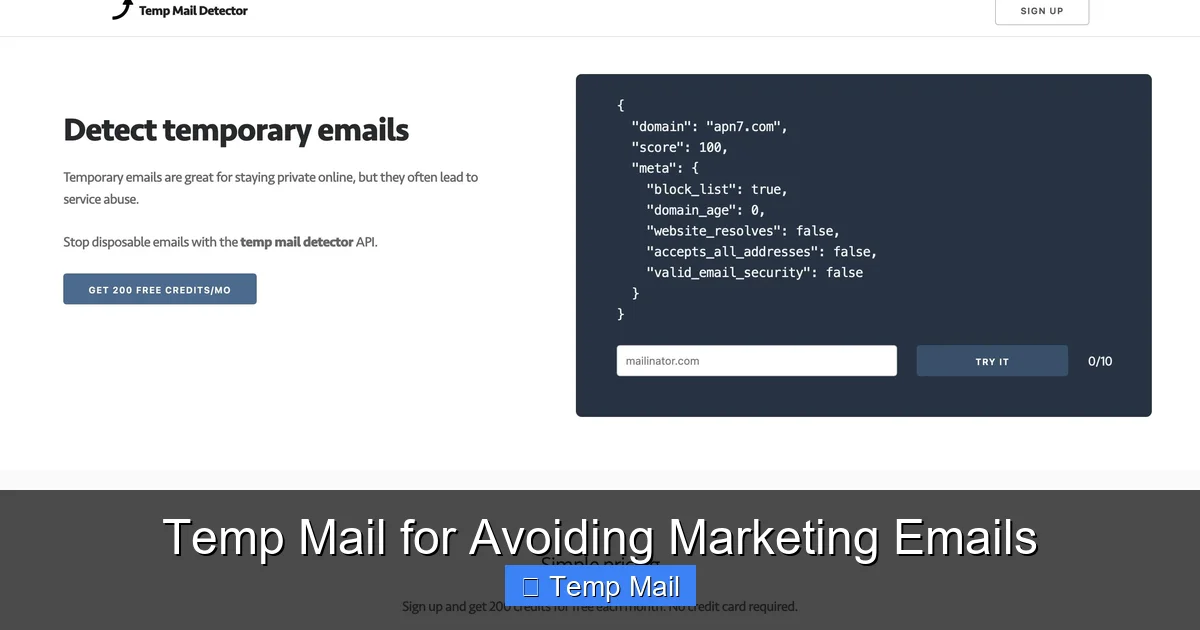
Many popular websites (like Google, Facebook, Twitter/X, major banks) actively block known temp mail domains. They detect the domain and will refuse to accept the address during sign-up. This is a security measure on their part. You must respect this. Trying to bypass it is often impossible. Additionally, some smaller websites may have poorly configured filters that accidentally block legitimate temp mail domains, causing your sign-up to fail. In these cases, you’ll need to use your real email or a different approach.
Not for Professional or Legal Communications
Never use a temp mail for job applications, official business correspondence, contracts, or any communication that requires legal validity or a verifiable audit trail. These emails are anonymous and transient, providing no proof of receipt or sender identity. They are the equivalent of writing a note on a piece of tissue paper and throwing it away—completely inappropriate for formal contexts.
Building Your Personal Inbox Defense Ecosystem
While temp mail is a powerful frontline tool, the best defense against marketing email overload is a layered strategy. Think of it as a digital immune system.
Layer 1: The Temp Mail First Rule
Adopt a strict policy: for any non-essential, promotional, or one-time interaction, temp mail is the default. Downloading a free ebook? Temp mail. Signing up for a webinar to get a replay? Temp mail. Getting a discount code from a coupon site? Temp mail. Entering a social media giveaway? Temp mail. This habit alone will stop 80% of spam at the source.
Layer 2: The Dedicated “Promotional” Address
For subscriptions you genuinely want to receive but that are promotional in nature (e.g., a favorite brand’s newsletter, a hobbyist magazine), create a separate, free email address specifically for this purpose (using Gmail, Outlook, etc.). Do not use this for anything else. This contains all marketing emails to one place, keeping your primary inbox and your temp mail for truly disposable interactions completely separate. You can check this “promo” address once a week or month, and if it gets too spammy, you can simply delete the entire account and start a new one.
Layer 3: Aggressive Filtering and Unsubscribing
Even with the above layers, some marketing emails will inevitably land in your primary inbox (e.g., from companies you’ve done business with). Use your email provider’s robust filtering rules. In Gmail, create filters that automatically archive, mark as read, or delete emails from specific senders or with keywords like “unsubscribe,” “offer,” “sale.” When a legitimate newsletter arrives that you no longer read, take 10 seconds to click the unsubscribe link. The CAN-SPAM Act requires these links to work. Do not just delete and mark as spam; unsubscribing is more effective at stopping the source.
The Bigger Picture: Privacy, Autonomy, and Digital Minimalism
Using temp mail is more than a spam-fighting tactic; it’s a statement about digital autonomy. Every time you withhold your primary email and use a disposable instead, you are making a conscious choice to withhold your data. You are rejecting the default assumption that companies have the right to your contact information for marketing purposes. You are practicing data minimization, a core principle of privacy.
This practice aligns perfectly with the philosophy of digital minimalism—intentionally curating your digital life to focus on what adds value. A cluttered inbox with unread promotional emails is the opposite of value. It creates stress and distraction. A clean inbox, where every email is expected and important, creates focus and calm. Temp mail is a tool of curation. It helps you maintain boundaries between your essential self (represented by your primary email) and your transactional self (the you that needs a discount code or a PDF).
Furthermore, as global privacy regulations like GDPR and CCPA strengthen, the principle of giving users control over their data becomes paramount. While temp mail operates in a gray area of “anonymous access,” it empowers individuals to exercise that control on a practical, daily level. It’s a grassroots tool for privacy in an environment that often feels designed to extract data from us by default.
Conclusion: Reclaim Your Inbox, Reclaim Your Attention
The relentless drip of marketing emails is not an inevitable fact of digital life. It is a consequence of our past complacency in sharing our primary email addresses too freely. The temporary email service flips the script. It provides a simple, free, and highly effective method to engage with the online world on your terms. By using a disposable address for all non-essential interactions, you erect a firewall that protects your primary inbox, starves data brokers of your personal information, and dramatically reduces your digital attack surface.
Start today. The next time a pop-up asks for your email to “get the latest updates,” pause. Open a new tab, generate a temp mail, and paste it in. Experience the quiet satisfaction of knowing that the promotional torrent that follows will vanish into a void, never to touch your real life. It’s a small action with a powerful cumulative effect. In the battle for your attention and privacy, the temp mail is a humble but mighty weapon. Wield it wisely, reserve your real email for what truly matters, and watch your inbox—and your peace of mind—transform.
Frequently Asked Questions
Is using a temporary email legal and safe?
Yes, using a temporary email service is completely legal. It is a tool for privacy. However, “safe” depends on the provider. Reputable services do not log your IP or activity, but you should always check their privacy policy. The main risk is using it for accounts where you need long-term access, as you will lose that access.
How long do temporary emails typically last?
Most standard temp mail services keep your inbox and address active for between 10 minutes and 1 hour after generation. Some premium services offer longer retention, up to 24 hours or even several days. For most sign-up confirmations, 30 minutes is more than sufficient.
Can I send emails from a temporary address?
Generally, no. Temp mail services are designed almost exclusively for receiving emails (like verification links or one-time passwords). The ability to send outbound emails is rare, intentionally limited to prevent abuse for spam, and is not a feature you should rely on or expect.
Will websites block me if I use a temp mail?
Many major platforms (Google, Facebook, banks) actively block known disposable email domains and will not let you sign up. Some smaller sites might also block them. You must be prepared to use your real email for services that require higher trust or have strict anti-fraud measures.
What happens to the emails after the temp address expires?
The entire inbox associated with that specific address is permanently deleted from the service’s servers. The email address itself is then recycled and may be assigned to a completely different user in the future. No data from your session is retained or linked to you.
Should I use temp mail for online shopping accounts?
No. For any account where you need to log in repeatedly, receive order receipts, shipping notifications, or access customer support, you must use a permanent, accessible email address. Using temp mail for a shopping account will lock you out after the first session, making order tracking impossible.
Leave a Reply