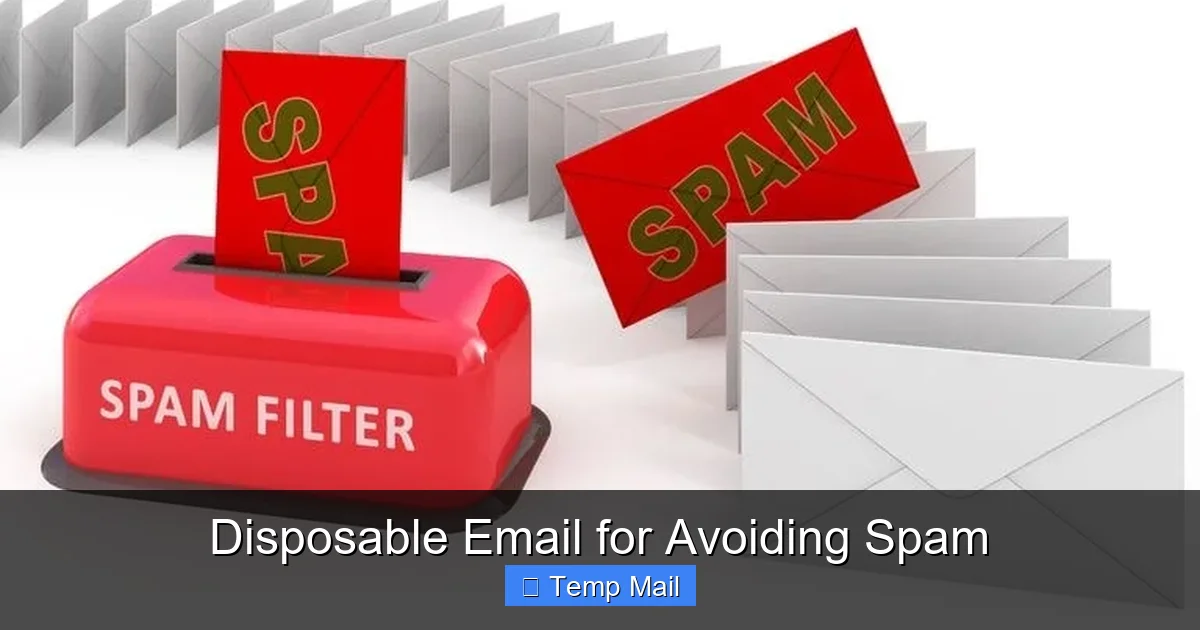
Tired of your main email inbox getting flooded with spam? Disposable email addresses are temporary, throwaway inboxes you can use for sign-ups, downloads, and any online activity where you don’t want to share your real contact information. They automatically delete after a short time or a few uses, keeping your primary email safe and your privacy intact. It’s a powerful, free tool for regaining control over your digital footprint and saying goodbye to promotional clutter.
You know the feeling. You find a great article, but to read it, you need to subscribe. Or you want to download a useful template, but it asks for your email first. You hesitantly type in your primary, personal, or work email address—the one linked to everything important. A few days later, your inbox is drowning. Promo codes for stores you’ve never visited. newsletters from blogs you briefly browsed. And the worst part? That “unsubscribe” link sometimes feels like a trap, confirming your email is active and valid, leading to even more spam.
What if there was a simple way to say “yes” to accessing that content, but “no” to the inevitable spam? Enter the world of the disposable email. Also called temp mail, throwaway email, or fake email, this tool is your secret weapon for navigating the modern web without sacrificing your privacy and inbox peace. It’s not about being deceptive; it’s about being smart and protective of your digital identity. Let’s dive deep into how disposable email for avoiding spam works, why you should use it, and how to do it effectively.
Key Takeaways
- Understanding Disposable Email for Avoiding Spam: Provides essential knowledge
📑 Table of Contents
- What Exactly Is a Disposable Email Address?
- Why You’re Getting Spam (And How Disposable Email Fixes It)
- The Major Benefits: More Than Just Spam Prevention
- Important Limitations and Cautions
- How to Choose a Disposable Email Service
- Best Practices: Using Disposable Email Like a Pro
- The Future of Disposable Email and Digital Privacy
- Conclusion: Reclaim Your Inbox Today
What Exactly Is a Disposable Email Address?
At its core, a disposable email address is a temporary, anonymous email inbox that you can use without any long-term commitment. Think of it like a burner phone, but for your email. You visit a disposable email provider’s website, and they instantly generate a random email address for you, like [email protected] or [email protected]. That inbox is now live and ready to receive messages.
The key defining features are its temporary nature and lack of personal linkage. You don’t create an account with a password. You don’t verify a phone number. There’s no recovery process because there’s nothing to recover. The inbox exists purely for the short window of time the provider allocates—often 10 minutes, 1 hour, or 24 hours—or until a certain number of messages (e.g., 5 or 10) have been received. After that, the address and all its contents are permanently wiped from the server, never to be seen again.
The Core Mechanics: How It Works Instantly
The process is beautifully simple, designed for maximum convenience and minimum friction:
- Visit a Provider: You go to a website like Guerrilla Mail, Mailinator, or 10MinuteMail.
- Get Your Address: The homepage immediately displays a randomly generated email address. You can often click a button to generate a new random one if you don’t like the first.
- Use It: Copy that address and paste it into any website’s sign-up or contact form.
- Check It: If you need to receive a verification link or a file, you simply refresh the disposable email provider’s webpage. Any incoming messages will appear in a list. Click on one to view its content.
- Forget It: Once the time expires or you close the browser tab, the address is gone. No cleanup required.
This entire cycle can happen in under 60 seconds. There’s no “Inbox Zero” stress because the inbox is designed to be a single-use, self-cleaning tool.
Why You’re Getting Spam (And How Disposable Email Fixes It)
To understand the power of disposable email, you first need to see how your primary email address gets harvested in the first place. Spam isn’t always a mystery; often, you give it away voluntarily, though you may not realize the long-term consequences.
Visual guide about Disposable Email for Avoiding Spam
Image source: optimizever.com
The Data Harvesting Pipeline
Every time you enter your email on a website, you’re entering a potential data pipeline:
- The Website Itself: The site you signed up for may have a privacy policy that allows them to share your email with “partners” for marketing. Even if they don’t, a data breach can expose their user database, including your email.
- Third-Party Trackers: Many sites use analytics and advertising scripts (like Facebook Pixel, Google Analytics) that can record the email address you entered and associate it with your browsing behavior for targeted advertising.
- Data Brokers: Companies specialize in collecting and selling personal data. Your email from a simple forum sign-up could end up on a list sold to dozens of marketing firms.
- Poor Security Practices: Smaller websites or older platforms may have weak security, making their user databases easy targets for hackers. Your email, along with a potentially reused password, could be leaked online.
Once your email is on these lists, it’s nearly impossible to remove it everywhere. Unsubscribing from one spammer doesn’t stop the others who now have your address. This creates a permanent, downward spiral for your primary inbox.
The Disposable Email Firewall
Using a disposable email for avoiding spam breaks this pipeline at the very first step. When you use [email protected] to download that e-book:
- The website gets a valid email format to send the download link. They are happy.
- If that website suffers a breach, the hackers get [email protected], which is useless to them because it’s not linked to your identity and will cease to exist shortly.
- The website cannot share [email protected] with “partners” because it’s not a real, monitored account. Any marketing emails sent to it bounce or vanish into the void.
- You receive the one email you need (the download link) in the temporary inbox, use it, and then the address dies. No spam follows you home.
It creates a perfect one-way valve: you let in the single, necessary message, and then seal the tunnel forever, preventing any backflow of spam.
The Major Benefits: More Than Just Spam Prevention
While spam avoidance is the headline act, the benefits of using disposable email addresses extend into several key areas of your digital life.
Visual guide about Disposable Email for Avoiding Spam
Image source: cms.softailed.com
1. Unparalleled Privacy and Anonymity
In an age of pervasive tracking, a disposable email is a rare tool for anonymity. You can interact with a service, leave a comment on a controversial article, or sign a petition without attaching your real identity to that action. The website sees only the temporary address. There is no digital paper trail linking that specific interaction back to your primary email, which is often the master key to your online identity.
2. Clutter-Free Primary Inbox
This is the immediate, tangible reward. Your primary inbox becomes a space for only emails from real people you know and essential services you’ve consciously chosen to engage with long-term. No more sorting through promotional fluff to find the email from your boss or your family. You save time, reduce stress, and never miss an important message buried under spam.
3. Protection from Data Breaches and Credential Stuffing
When you use your primary email for every random site, you’re creating a massive “attack surface.” If that site gets hacked, your email is in the leak. Hackers then use that email to try logging into other popular services (like your bank, social media, or email itself) in a tactic called credential stuffing. By using a unique disposable email for low-stakes sites, you ensure that a breach on a small forum cannot be used as a stepping stone to attack your critical accounts. The breached data is immediately worthless.
4. Easy Testing and Development
For developers, QA testers, or even regular users setting up a new app, disposable emails are a godsend. Need to test an email verification flow? Use a temp mail. Creating multiple test accounts for an app? Use a different disposable address for each. It keeps your development and testing process clean and separate from your personal communications.
5. Bypassing Gated Content (Ethically)
Let’s be honest: many “gated” pieces of content (whitepapers, webinars, templates) are of dubious value. Using a disposable email allows you to access that content without committing to a sales pipeline. You get the resource you wanted, and the marketer gets a valid (but temporary) email format that satisfies their system. It’s a fair, low-stakes exchange that respects your future inbox.
Important Limitations and Cautions
Disposable email is a powerful tool, but it’s not a magic shield for every situation. Understanding its limitations is crucial for using it safely and effectively.
Visual guide about Disposable Email for Avoiding Spam
Image source: media.wired.com
They Are Not for Important, Long-Term Accounts
This is the golden rule. Never use a disposable email for:
- Financial Services: Banks, investment apps, PayPal, etc.
- Primary Social Media: Facebook, Instagram, Twitter/X, LinkedIn.
- Cloud Storage & Productivity: Google Account, Apple ID, Microsoft Account, Dropbox.
- Any Service with Password Recovery: If you forget your password, they will email the reset link. To a disposable address that no longer exists. You will be locked out permanently.
- Official Government or Healthcare Portals.
For these, use your primary, secure, and permanent email address. The rule of thumb: if losing access to the account would cause significant life disruption, do not use a disposable email.
Security and Encryption Vary Wildly
Most disposable email providers do not offer end-to-end encryption. The providers themselves can, in theory, read any message that passes through their servers. Therefore, you should never send sensitive personal information (SSNs, credit card numbers, confidential documents) through a disposable email. It is a tool for spam prevention, not for secure, confidential communication. Always check the provider’s privacy policy; reputable ones state they do not log or monitor message content.
Some Websites Block Known Disposable Domains
Many websites and services are aware of disposable email providers and actively block their domains from being used in sign-up forms. This is common on high-security platforms (like some banking apps), forums plagued by spam, or platforms offering free trials that want a real contact method. If your disposable address is rejected, you’ll need to use a different one or your primary email.
No “Forgot Password” or Account Recovery
As mentioned, the temporary nature means there is no recovery. If you use a disposable email to sign up for a service and later need to reset your password, you will not receive the email. The account is effectively dead. This reinforces the “low-stakes only” rule.
How to Choose a Disposable Email Service
Not all disposable email providers are created equal. While most share the core function, features, usability, and policies differ. Here’s what to look for.
Key Features to Compare
- Inbox Lifespan: How long does the inbox remain active? 10 minutes is standard for quick verification. 1 hour or 1 day is better for content you might want to access later. Some (like Mailinator) offer public inboxes that never delete but are publicly viewable—use with extreme caution.
- Number of Messages: Does it have a limit (e.g., 5 messages)? Or is it time-based only?
- Custom Address Option: Can you choose a username (e.g., [email protected]), or is it completely random? A custom prefix is easier to remember and type.
- Attachment Support: Can you receive and download file attachments? Essential for downloading e-books or PDFs.
- Browser-Based vs. App: Most are simple websites. A few offer mobile apps for convenience.
- Privacy Policy: Look for statements about not logging IP addresses, not storing messages after deletion, and not selling data. Transparency is key.
Popular and Reputable Providers (As of 2024)
- Guerrilla Mail: One of the oldest. Offers a 60-minute inbox, custom address option, and attachment support. Simple, reliable interface.
- 10MinuteMail: The name says it all. Extremely fast, 10-minute inbox. Perfect for a single verification code. No frills.
- Temp-Mail: Offers a more modern UI, longer inbox duration (up to 2 days if you refresh it), and a browser extension. Good balance of features.
- Maildrop: Very minimalist. No attachments, but completely anonymous and no ads in the inbox. Good for pure text verifications.
- Getnada: Allows you to create a custom address that lasts for a week. Good if you need a slightly longer-term temp address for a multi-day project.
Avoid unknown or overly ad-heavy sites. Stick to the well-known names listed above, as they have established reputations and clear practices.
Best Practices: Using Disposable Email Like a Pro
To get the most out of this tool and avoid pitfalls, follow these practical guidelines.
The “When to Use” Checklist
Reach for a disposable email when:
- Signing up for a newsletter you’re mildly curious about.
- Downloading a free template, e-book, or wallpaper.
- Registering for a one-time webinar or online event you might not attend.
- Creating an account on a forum or community you want to browse or post in once.
- Testing a website’s sign-up flow.
- Accessing a coupon or discount code that requires an email.
- Any situation where the value exchange is a single piece of content for your email, with no clear long-term relationship.
The “When NOT to Use” Reminder
Again, never use it for anything related to your identity, finances, critical communications, or long-term account access. If the service sends you a “Welcome!” email and then a “Your invoice is ready!” email a month later, that’s a red flag. It’s a long-term relationship, not a one-off.
Operational Tips for Smooth Use
- Keep the Tab Open: After generating your disposable address, do not close the browser tab until you have received the necessary verification email or file. Closing it may end your session, and you might not be able to get back to that specific inbox.
- Use a Separate Browser/Profile: For enhanced privacy, consider using a dedicated browser (like a separate Firefox profile) or a privacy-focused browser (Brave) for your disposable email activities. This prevents cookie tracking from the site you sign up for from potentially linking back to your main browsing activity.
- Refresh Manually: Some inboxes don’t auto-refresh. If you’re waiting for an email, hit the refresh button on the provider’s page every 30 seconds.
- Copy-Paste Carefully: Double-check you’ve copied the entire disposable address correctly before pasting it into a sign-up form. A missing character means the verification email goes into the void.
- Download Attachments Promptly: Once you see an attachment, download it immediately. Some providers may delete attachments when the inbox expires.
The Future of Disposable Email and Digital Privacy
The rise of disposable email is a direct consumer response to a broken digital marketing and data economy. As awareness of data privacy grows, so does the use of these tools. We may see evolution in a few directions:
- Integration with Password Managers: Some password managers (like Bitwarden) now have built-in email alias features that create unique, forwardable email addresses. This is a more sophisticated, managed version of the disposable concept.
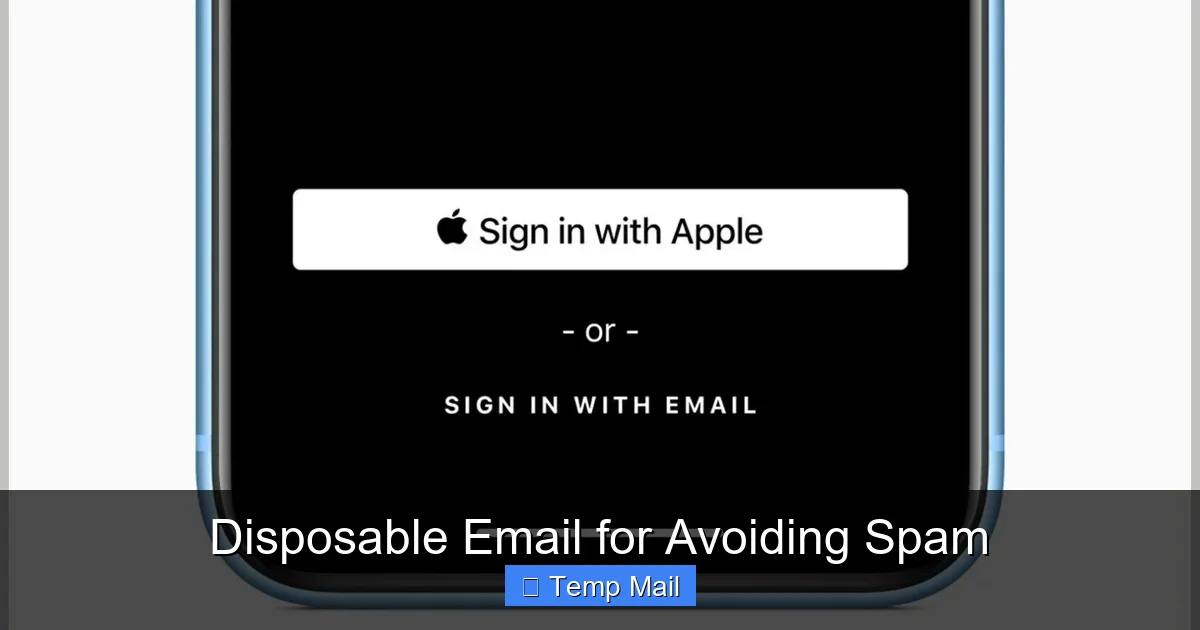
- Standardized “Email Masking”: Apple’s “Hide My Email” and similar features from Google and Firefox are bringing the idea of unique, forwardable email aliases to the mainstream, tied to your real account but revocable at any time.
- Increased Blocking: As more people use disposable emails, more websites will block known domains, creating a cat-and-mouse game between providers and site operators.
- Regulatory Pressure: Stricter data privacy laws (like GDPR and CCPA) may force companies to be more transparent about email sharing, potentially reducing the need for disposable addresses if users can easily opt-out of marketing lists.
Despite these changes, the fundamental need for disposable email for avoiding spam will remain. It is a simple, effective, user-controlled solution to the problem of unwanted data collection. It puts the power back in your hands: you decide which interactions deserve a piece of your permanent identity and which are fleeting and deserve a temporary shield.
Conclusion: Reclaim Your Inbox Today
Your email address is more than just a communication channel; it’s a key that unlocks your online identity. Every time you carelessly share it, you hand out a piece of that key, often to entities that will sell it, lose it, or spam you with it. The disposable email is your master key for creating temporary, single-use doors instead.
It costs nothing, takes seconds to use, and provides immediate, tangible benefits: a cleaner inbox, enhanced privacy, and a critical layer of protection against data breaches. Start small. Next time a website asks for your email for a PDF guide, open a new tab, grab a disposable address from Guerrilla Mail, and use it. Experience the relief of not having that one interaction haunt your primary inbox for years. This simple habit is a foundational step in practicing good digital hygiene. In the constant battle for your attention and your data, a disposable email is a powerful, easy-to-wield weapon. Arm yourself with it, and watch the spam recede.
Frequently Asked Questions
Are disposable email addresses legal to use?
Yes, using a disposable email address is completely legal. You are using a service provided by a company that offers temporary email functionality. It is not illegal to withhold your primary email from a non-essential website. However, using them to commit fraud, evade legal obligations, or send malicious content is illegal, as with any tool.
Can a disposable email be traced back to me?
Generally, no. Reputable disposable email providers do not require any personal information to create an address. The provider itself may log your IP address temporarily for operational reasons, but they typically do not link it to the specific disposable inbox in a way that can be publicly traced. The email address itself contains no personal identifiers. However, if you use it while logged into personal accounts (like Google) in your browser, your activity could be linked through browser cookies.
Will I receive spam if I use a disposable email?
You might receive emails sent to that specific disposable address, but they will be confined to its temporary inbox. Since the address expires, any spam sent to it will vanish along with the inbox. The key benefit is that this spam does not follow you to your permanent email address. The disposable inbox is your spam quarantine zone.
What happens if I need to recover an account I signed up with a disposable email?
You will not be able to recover it. Password reset and account recovery emails will be sent to the disposable address, which no longer exists after its short lifespan. This is precisely why you must never use a disposable email for any account you need to access long-term or that contains valuable personal data. The account will be permanently locked.
Are disposable emails safe from hackers?
They are safe in the sense that a breach of a site where you used a disposable email does not compromise your primary email or password. However, the disposable email service itself is not a high-security platform. Messages are typically not encrypted end-to-end. You should never send highly sensitive information (like passwords, financial data, or private documents) through any disposable email, as the provider or a network attacker could potentially intercept it.
Do all websites accept disposable email addresses?
No. Many websites, especially those dealing with finances, high-value free trials, or critical services, actively check against lists of known disposable email domains and will block them during sign-up. If your disposable address is rejected, you will need to use a different provider’s domain or your primary email address. This is a common practice to reduce spam and fraud on their platforms.
Leave a Reply